
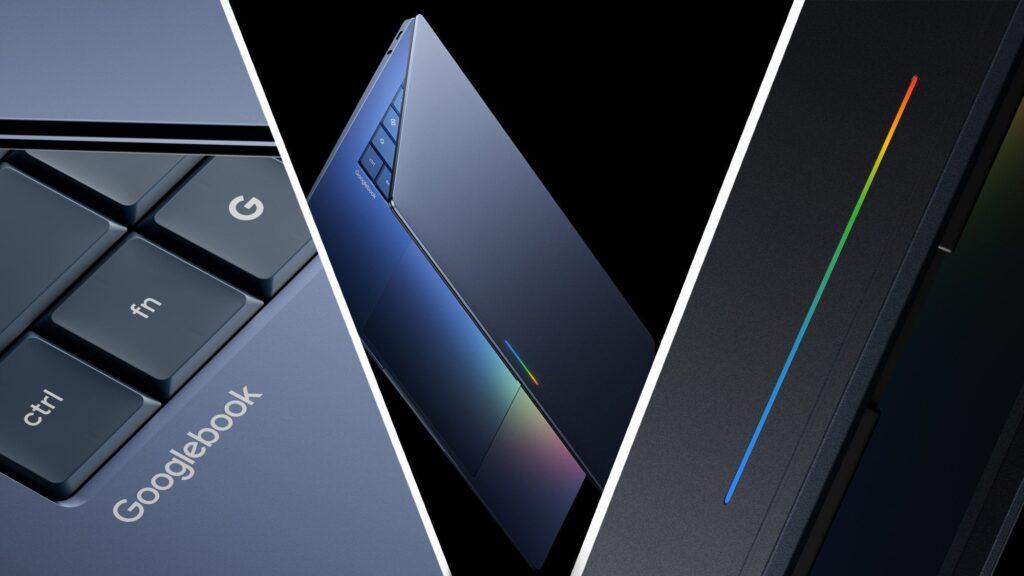
- Google presents Googlebook
- Puts Gemini at the center with an “intelligence system”
- Magic Pointer reinvents the classic pointer with, yes, AI
It’s been almost a year since Sameer Samat, Google’s head of Android experience, let it slip that the tech giant was finally ready to do what had long been rumored: combine Android and ChromeOS into a single experience.
The reveal, which is part of Google’s annual Android Show, is a two-pronged affair. Firstly, there’s a unique platform that somehow combines the best of Android and ChromeOS into one, and secondly there’s the introduction of a new class of laptops: Googlebooks, which Google says are “designed for Gemini Intelligence.”
That’s right, Google is trying again to reinvent the laptop. Forget Pixelbooks (although Chromebooks and ChromeOS aren’t supposed to go anywhere), this is brand new hardware to house a platform built for a new type of desktop and laptop computing experience.

And at the bottom is, well, not Android exactly, but Gemini. Some might describe it as the world’s first artificial intelligence operating system or, as Google calls it, “an intelligence system.”
While Google has offered few details about the hardware and platform, it highlights how Gemini’s flagship position will transform the computing experience, and that starts with the pointer.
Welcome the magic pointer
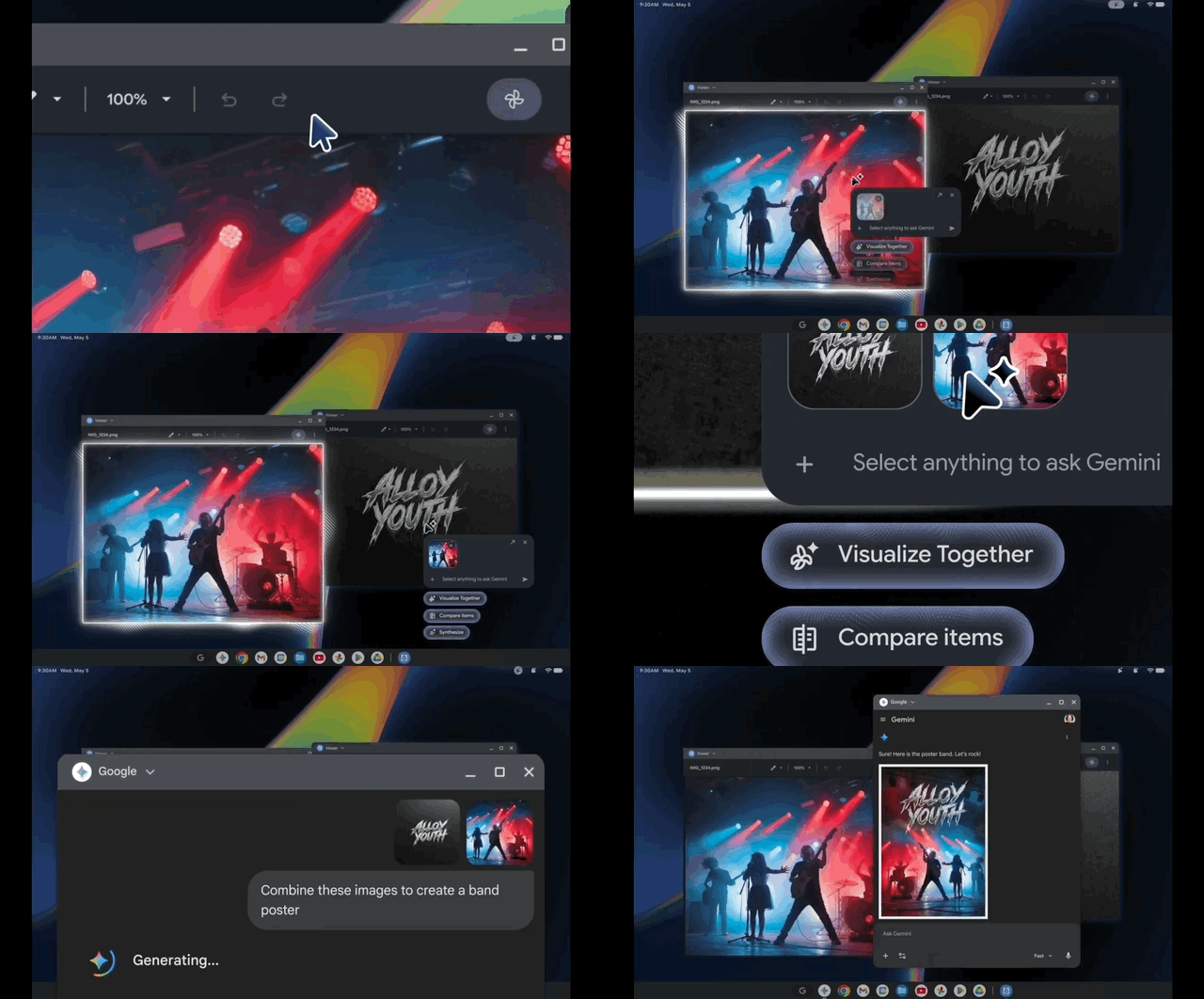
Shaking your cursor for a different experience on a laptop isn’t a new idea (try moving your macOS cursor), but Google’s AI-focused approach is novel. On the Googlebook, shaking the “Magic Pointer” brings up a context menu that quickly tells you all the things you can do with, say, Gemini, right there.
Choose one of the options and Gemini will naturally launch in situ and you can now follow its guides to do more with whatever is on the screen. If, for example, you see a couple of images in your gallery and want to imagine a combination, you can move that magic pointer, select them, choose an AI action like “view together,” and then instantly see the result of generative AI projects in Gemini. Think of these as gesture prompts.
Googlebooks will also be a place where you can experience Android’s new “Create My Widget” capabilities, which should let you create custom desktop widgets for all kinds of personalized information, like upcoming trips and business meetings.
Is this really a new operating system?
It’s a little difficult to say exactly how ChromeOS is influencing the Googlebook experience, since, aside from all the AI, apps, and other features, it will run locally (Google promises that the system will handle “powerful apps on Google Play”). Maybe it has something to do with the lightness of the platform; maybe run all of this on lower range specs.
The relationship with Android is much clearer. Googlebooks will allow you to stream most Android apps and experiences on the Googlebook desktop. The benefit is that you’ll never have to put down your Googlebook or pause to pick up your Android 18 smartphone to continue a mobile task. The system base will include a persistent phone icon that you can select to virtualize your Android phone into Googlebook. All of this will only work with “supported” Android phones, and for now, we don’t have that list.
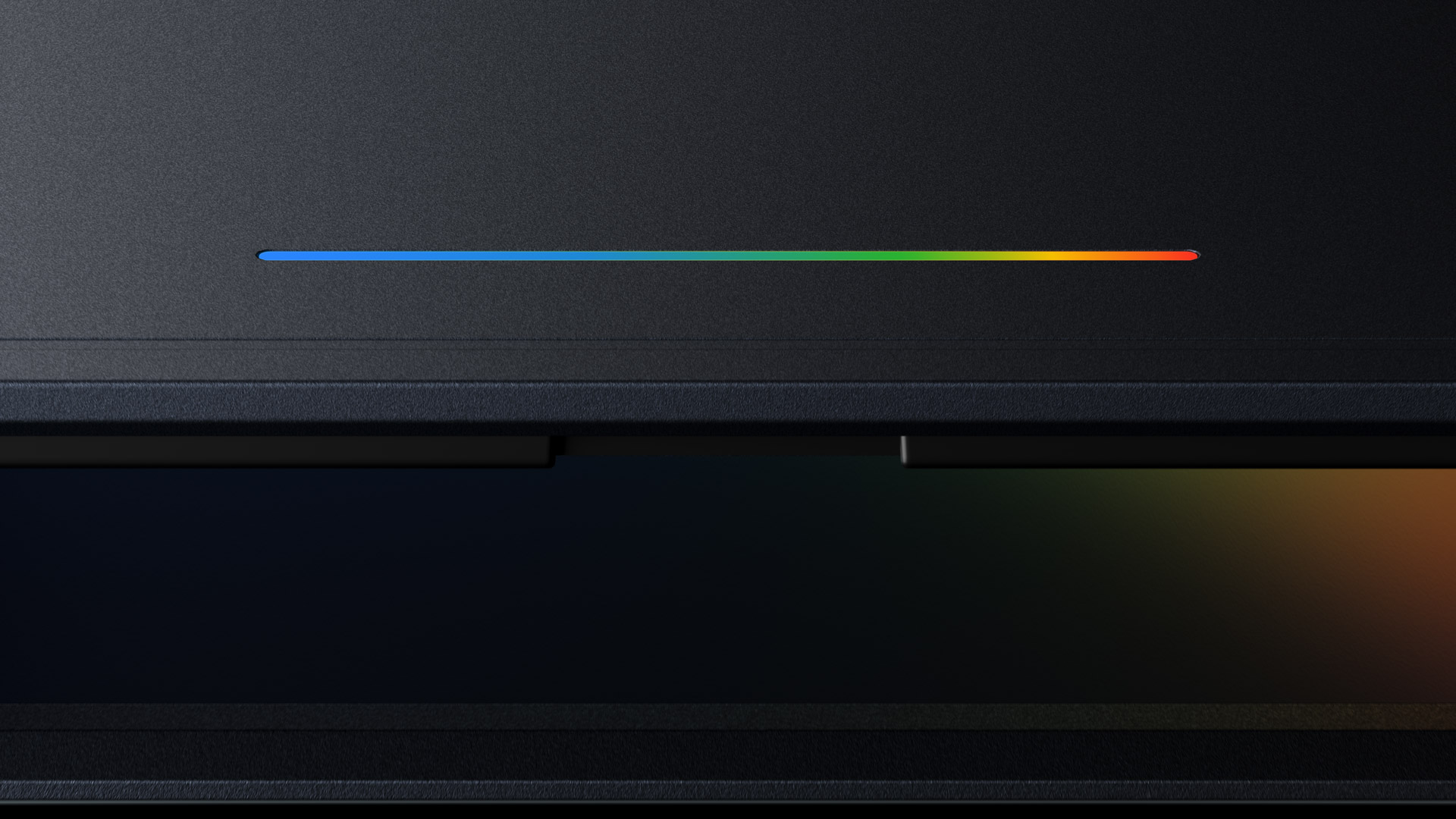
While we already know some of the hardware partners, such as Acer, Asus, Dell, Lenovo, and HP, we don’t have details on how they might use the new intelligence system. It’s unclear, for example, whether all will feature the light bar, a thin rainbow LED that peeks through the metal frame of the Googlebook’s cover. Google claims the light bar will be beautiful and functional, but has yet to explain what it will do. It’s probably safe to assume that the lights can, even when the system is closed, alert you to, say, incoming notifications, maybe even turning all red when there’s an alert you need to see.
Most likely, though, the Googlebook’s built-in Gemini AI will respond to voice prompts even when closed, and the light bar will, ahem, glow when you speak and the system listens and responds.
Other specifications are also missing, including screen size, touchscreens (yes or no), RAM, CPU, webcam, battery life, overall size, and weight. However, we wouldn’t be surprised to see a Google book or two at Google I/O 2026, which begins next week in Mountain View, California.
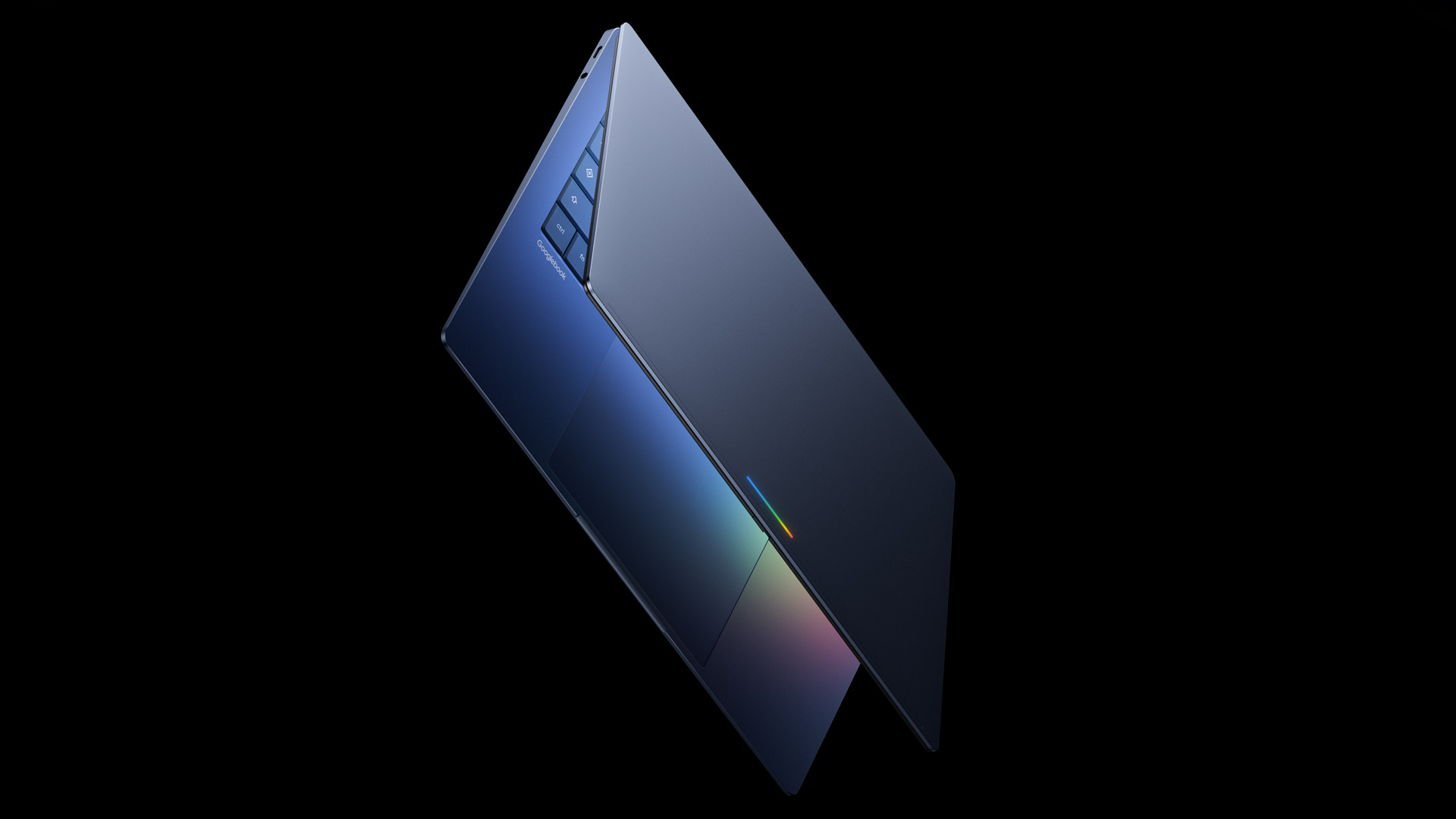
Google deserves credit for being the first to come out with an “AI OS” (why didn’t they call it “Geminibook?”). But it remains to be seen whether Googlebooks will excite or create confusion. After all, this isn’t the first time Google has created a premium laptop hardware category to support its own platform ambitions. Pixelbooks are gone in 2022, although ChromeOS is alive and well at many of the same partners who will now deliver Googlebooks, and Google confirms that they will continue to support and develop the platform.
How will consumers decide between Chromebooks and these new AI-focused Googlebooks? It may be due to your interest in Gemini (and other AI platforms) and your need to run “powerful applications” locally.
However, there’s no denying that this is a big change and somewhat aligns with something Google’s Sameer Samat told me last year: “…the future is seen first on Android.”

Follow TechRadar on Google News and add us as a preferred source to receive news, reviews and opinions from our experts in your feeds.


