
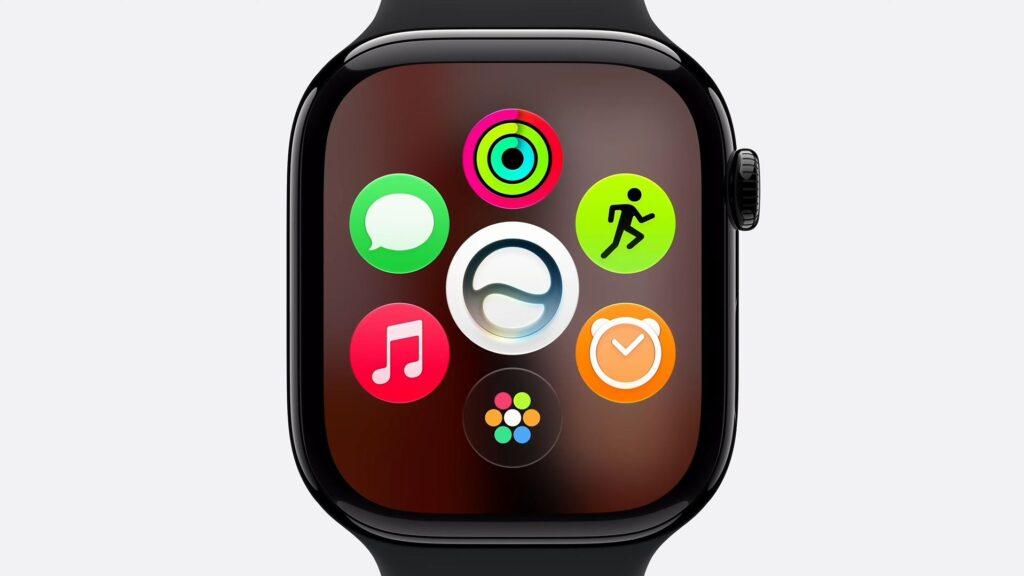
Another WWDC, another set of operating systems. This year’s WWDC 2026 keynote was packed with highly advanced AI-powered features, led by a revamped Siri AI designed to work across the entire Apple ecosystem, but these advanced features need devices capable of running them.
Because Apple updates its software every year, users of older versions of the best iPhones, Macbooks, and of course the best Apple Watches fear that their old technology will not receive the new update and would therefore end official support.
Although compatibility was not mentioned in this year’s keynote, Apple’s official website confirms that it will end support for a mammoth. six watches, presumably because those models can’t handle the new Siri AI. These are the watches that will continue to be supported when watchOS 27 arrives later this year:

What watches will receive watchOS 27?
The complete list of compatible models is as follows:
- Apple Watch Series 10
- Apple Watch Series 11
- Apple Watch Ultra 2
- Apple Watch Ultra 3
- Apple Watch SE 3
These are the models without support for watchOS 27:
- Apple Watch Series 6
- Apple Watch Series 7
- Apple Watch Series 8
- Apple Watch Series 9
- Apple Watch Ultra
- Apple Watch SE 2
The Apple Watch Series 6, 7, 8, and 9, the last of which is just three years old, appear to have been officially retired and do not appear on Apple’s list of supported devices. Users running those watches will not receive any more software updates. The first-generation Apple Watch Ultra, which is only four years old, and the Apple Watch SE 2 are also included in this list.
This will be a hard blow for so many users. Traditionally, Apple has ended support for Watches after about six years, not three; To put this in context, last year watchOS 26 supported the Apple Watch Series 6, which was originally released in 2020.
First-generation Apple Watch Ultra users will also be incredibly angry – spending $799 / £849 / AU$1,229 on a watch that was only supported for four years will be seen as a very predatory move on Apple’s part and may drive some customers away to competitors like Garmin. After an exciting speech at WWDC for AI fans, this news will leave a bitter taste.
All the core functions of previous watches will continue to work, although users will encounter issues when the watches reach the end of their life. For example, you may not be able to update applications designed to work with the latest software features.
The Series 10 is now the oldest watch to receive software updates.
How to download the watchOS 27 beta
If you have a compatible watch and can’t wait until September to try out all the new features, you can sign up for a beta test of Apple’s latest operating system. To do this, you’ll need to sign up for Apple’s beta program, which you can do on Apple’s developer portal here for the developer beta, or wait until the public beta next month, which most users will want to do. Always remember to backup your devices before doing so.
On your iPhone, go to Settings > General > Software Update > Beta Updatesand activate the software update when it is available.
Once the update is installed, you can go to the Watch app on your phone and use a similar path: My Watch > General > Software Update > Beta UpdatesEnter your password and that’s it.
Follow TechRadar on Google News and add us as a preferred source to receive news, reviews and opinions from our experts in your feeds.


