
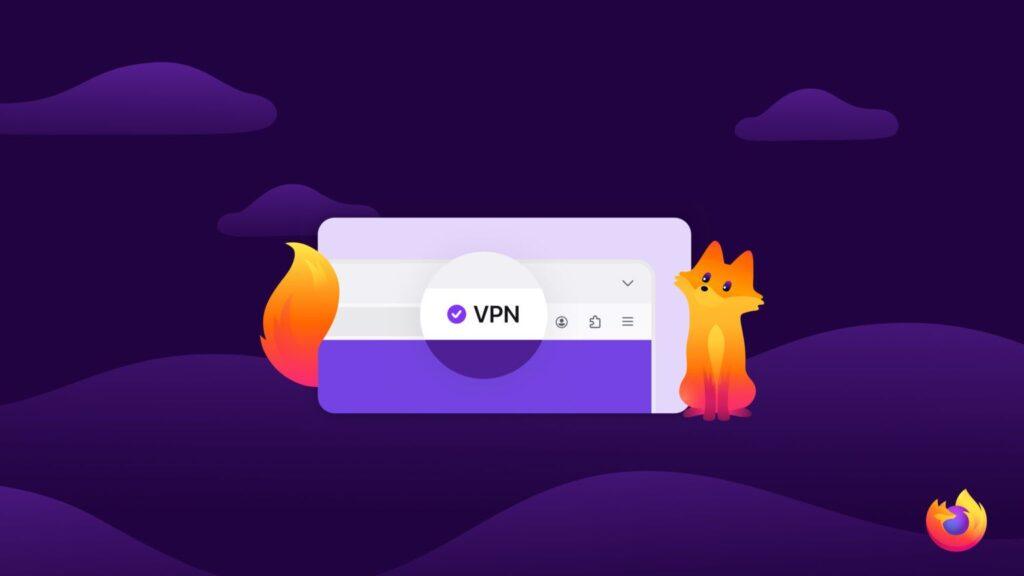
- Mozilla is raising the 50GB monthly data limit on Firefox’s free built-in VPN
- The offering includes 28 locations to browse, compared to the standard set of five.
- Everything returns to the usual data limit and five locations on September 1.
A free VPN built directly into your browser is rare, and over the next few months, Firefox will be making its version even more attractive. Mozilla has announced that it will temporarily remove the data cap on its free built-in VPN, giving eligible users unlimited bandwidth during the summer season.
Until now, Firefox’s built-in free VPN has provided users with 50 GB of free bandwidth every month. From now until August 31, that limit disappears entirely, so there’s a lot more room to browse privately on the go, access public Wi-Fi, or connect from somewhere new.
In addition to unlimited bandwidth, Mozilla also unlocks access to 28 countries for browsing during this period. A major improvement over their standard set of locations, which covers just five countries.
It’s a generous move for something built into a browser at no cost, and a reminder that you don’t always need to pay for one of the best VPN services to try private browsing.
What’s new this summer?
The headline change on the Firefox blog post is simple: the 50GB monthly bandwidth limit disappeared over the summer and was replaced by unlimited usage in Firefox from now until August 31.
During the promotion, Mozilla will also open its network to servers in 28 countries to connect to, giving you a much wider range of places to browse than usual (Canada, France, Germany, the UK and the US).
Additional countries available during the summer include Australia, Austria, Belgium, Bulgaria, Chile, Colombia, Denmark, Finland, Ireland, Italy, Malaysia, Mexico, Netherlands, New Zealand, Portugal, Singapore, Spain, Sweden, Thailand, Norway and South Africa.
Firefox VPN is not available everywhere. The browser only offers the feature in the countries that Mozilla lists on its support page.
What is Firefox’s built-in VPN and how to use it
Mozilla launched the free integrated VPN with Firefox 149. It started as a beta version for Firefox desktop users in the United States, the United Kingdom, Germany, and France, with more countries planned in subsequent releases. The browser later gained location selection, allowing users to choose which country to browse from.
Unlike a traditional virtual private network (VPN) app, this one only covers your browser. Once activated, Firefox directs your browsing traffic through its encrypted proxy network that exchanges your IP address before reaching a website, so the sites you visit see the proxy’s IP instead of your own.
Firefox already encrypts your traffic with HTTPS, and masking your IP adds another layer of privacy, which is especially useful on public Wi-Fi networks like your local coffee shop’s network.
The function is located behind a switch and you can manage it at any time on Settings > Privacy and security > VPN. If a particular website misbehaves while the VPN is active, you can disable the VPN for that site directly from the dashboard or add sites to a list in the advanced settings so that they never connect over the VPN.
If you’ve been curious to try private browsing without committing to a subscription, this is a good window to do so.
Follow TechRadar on Google News and add us as a preferred source to receive news, reviews and opinions from our experts in your feeds. Be sure to click the Follow button!


