
- Apple’s lockdown mode prevented the FBI from accessing data on a journalist’s iPhone
- When enabled, Lock Mode disables various iPhone features
- It does this to protect against “highly sophisticated cyber attacks.”
One of the big selling points of the best iPhones is Apple’s self-proclaimed commitment to privacy and security. This has been tested several times over the years, and a recent confrontation between the FBI and a Washington Post reporter made Apple’s protections useful once again.
The case revolves around Washington Post journalist Hannah Natanson, who is being investigated by the FBI for alleged leaks of classified information to the press. In a raid on Natanson’s home, the FBI seized an iPhone and a MacBook Pro owned by the Washington Post, as well as a MacBook Pro owned by Natanson, in addition to other electronic devices.
The Washington Post has filed a court motion that currently prevents the FBI from accessing Natanson’s data, but that didn’t stop the agency from trying and tripping over Apple’s safeguards.
In a filing opposing the one filed by the Washington Post, the FBI said that “because the iPhone was in lock mode, CART was unable to extract that device.” CART is the FBI’s Computer Analysis Response Team, which was attempting to remove data from the device.
Aside from the iPhone, FBI agents apparently forced Natanson to unlock the Washington Post’s MacBook using his fingerprint, although agents were unable to access his password-protected personal laptop.
In 2024, a federal appeals court ruled that police officers could force a suspect to unlock a device using biometrics, although this did not extend to forcing people to provide passwords to their devices; hence the FBI’s lack of success with Natanson’s personal laptop.
How does lock mode work?
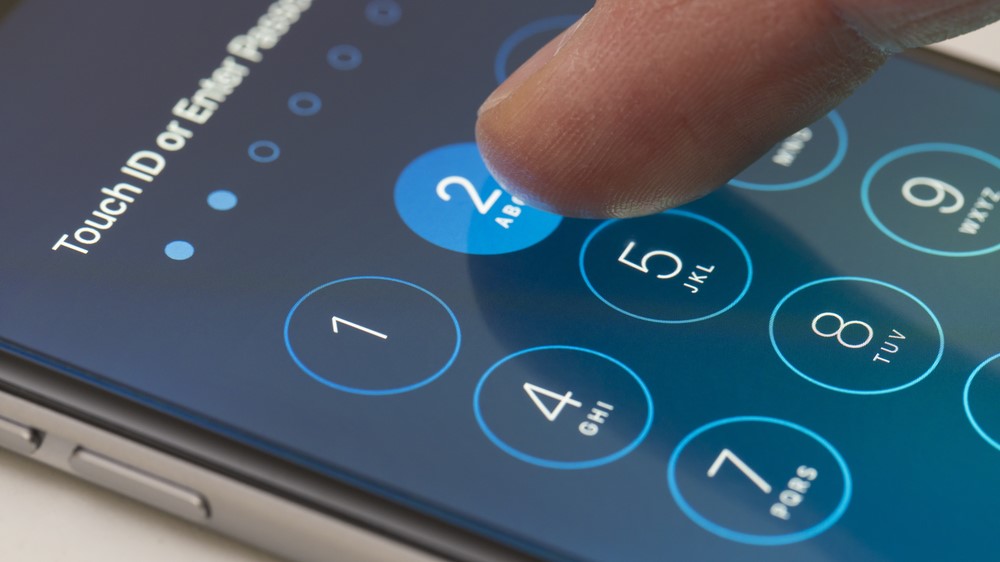
The case highlights the apparent value of Apple’s lockdown mode for high-risk users. We don’t know if Natanson’s work iPhone was locked using biometrics or a passcode, but unlike the laptop, it wouldn’t matter because the iPhone was protected using lock mode.
So what is this iPhone feature? Introduced in 2022, Lockdown Mode is a set of security measures intended to protect users who Apple says could face “highly targeted mercenary spyware” and “highly sophisticated cyber attacks.” It is available for iPhone, iPad, Mac and Apple Watch.
Apple warns that enabling lock mode means your device “won’t work like it normally does.” Most attachments in Messages are blocked, focus modes do not work normally, certain web browsing technologies are prohibited, image sharing is highly restricted, and more. Devices in locked mode cannot join unsecured Wi-Fi networks, while devices must be unlocked to be able to connect to accessories and computers.
The type of attack that Lockdown Mode is intended to protect against does not affect most people, and Apple describes its protections as “extreme.” However, if you think you are at risk and want to use Lock Mode, you will need to open the Settings app on your iPhone and go to Privacy & Security > Lock Mode > Turn Lock Mode On. Tap Turn Lock Mode on again, select Turn on and restart, then enter your password.
While it is unclear how the FBI’s case will progress and whether the agency has any way to bypass lock mode, for now the feature has proven resistant to being cracked. If you think your device might be at risk from governments, mercenary spyware groups, or the like, it’s a useful tool to have on hand.
Follow TechRadar on Google News and add us as a preferred source to receive news, reviews and opinions from our experts in your feeds. Be sure to click the Follow button!
And of course you can also follow TechRadar on TikTok for news, reviews, unboxings in video form and receive regular updates from us on WhatsApp also.


