
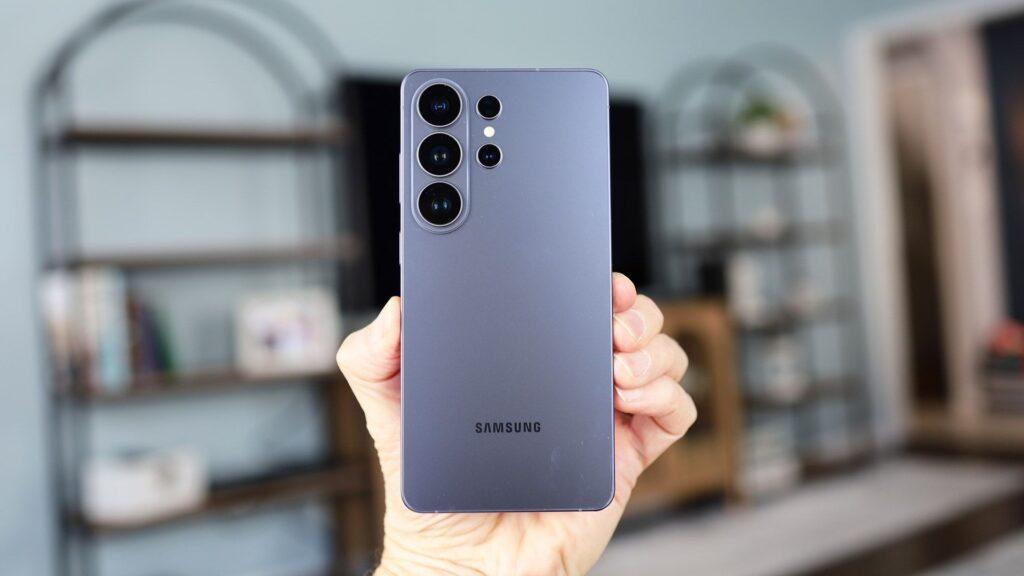
- Samsung is updating Quick Share
- Wireless file and photo sharing will now support iPhone AirDrop
- Only Galaxy S26 series for now
Samsung just broke a major platform barrier, one that’s sure to excite both iPhone and Samsung Galaxy owners: its version of Quick Share will soon support Apple’s AirDrop.
Quick Share and AirDrop perform essentially the same function but on clearly separate platforms (Android and iOS, respectively). Each one allows you to quickly transfer files, photos and videos wirelessly from one phone to another. Both use Bluetooth and Wi-Fi to establish the ad-hoc connection. None of them, so far, have worked on iPhone and Galaxy phones, but that’s about to change.
Starting March 23 in South Korea and the following week in the US, Quick Share will receive an update that will allow Galaxy phones to share files with iPhones via AirDrop. The caveat, and it’s important, is that it will only work with Samsung Galaxy S26 phones. Samsung says they will add more devices “at a later date.”
Article continues below.
Enabling the feature should be easy. On your Galaxy S26 device, open the Quick Panel and select Connected Devices and then Quick Share. Then select the new “Share with Apple devices”. After that, you’ll have the option to select a nearby iPhone, assuming it’s open to Everyone (or Contacts, we assume).
Following Pixel’s lead
Samsung’s update follows Google’s local sharing technology update that also added AirDrop support to Quick Share on Pixel devices late last year. Quick Share on Pixel 10 devices shares the same architecture as Quick Share on Galaxy phones, so it’s no surprise that the S26 phones now have AirDrop capabilities.
At the moment, it’s unclear whether the S26’s version of Quick Share will follow the Pixel 10’s lead and also allow iPhones to send files via AirDrop to Galaxy S26 phones. It’s easy to do on the Pixel 10, and if Samsung loses that feature, this Quick Share update would be only half the solution. Still, since this is likely based on Google technology, there’s good reason to believe it will work both ways.
This expansion of AirDrop support can only mean good things for future Android devices from all types of manufacturers, as this support clearly comes at the platform level.
Follow TechRadar on Google News and add us as a preferred source to receive news, reviews and opinions from our experts in your feeds. Be sure to click the Follow button!
And of course, you can also follow TechRadar on YouTube and tiktok for news, reviews, unboxings in video form and receive regular updates from us on WhatsApp also.


