
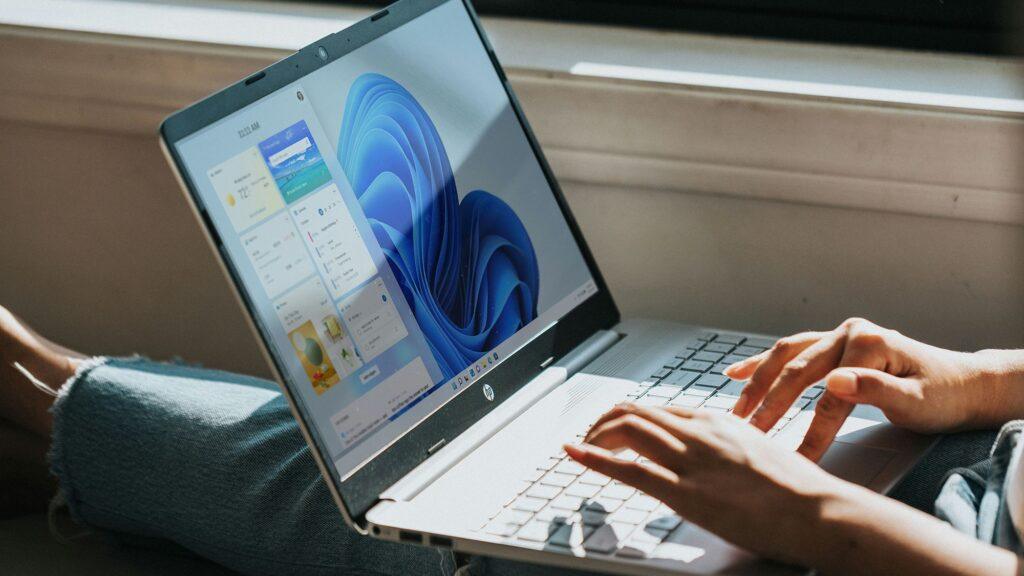
- Microsoft released an emergency patch for Windows 11
- It effectively replaces the March preview update, whose release was suspended when a bug came to light causing installation failures.
- Microsoft has been rolling out a lot of emergency patches this year, which is not a good sign, although to be fair, these fixes came quickly.
Microsoft just fixed its most recent Windows 11 update, which was released incorrectly, at least for some people, for whom it failed to install, and then was removed and now reset.
The fix came in the form of an emergency update that replaces the previous update for Windows 11 25H2 and 24H2, as Bleeping Computer reports.
If you missed this, the preview update released in late March, as an optional download, had a bug where the installation process failed with the following error: “Some update files are missing or having problems. We will try to download the update again later. Error code: (0x80073712).”
Article continues below.
Yes, that’s one of those dreaded stopping error codes, although in this case it made sense (unusually), as it apparently refers to a missing (or corrupted) file with an update.
Evidently enough people found this that Microsoft removed the update entirely while it investigated the bug. The issue has now been resolved and a new update is now available, essentially the same optional update, just with the fix applied.
In short, you can download the March preview update again, if you want, and you should not encounter the aforementioned installation error. The new emergency update is KB5086672 and replaces the old buggy update which was KB5079391.
Analysis: a series of emergency solutions
As you will notice, most people do not install preview updates. I generally recommend avoiding these optional updates simply because they are still in preview, so technically beta, even though it is the final stage of testing.
Yes, they will ship to all Windows 11 PCs and become a full update two weeks later; They are previews of the next incoming monthly update (in this case, the April update). However, they are still technically test releases, as we see with the increased probability of things going wrong, something that happens with some regularity (the March preview is a good example).
The good news is that Microsoft caught the bug, stopped the update, and quickly fixed it. To be honest, I was quite surprised to see that the update was canned, because we often see installation failures with Windows 11 (or Windows 10) updates – in full versions, not just previews – and, frankly, Microsoft seems to overlook them.
So is this either evidence of Microsoft’s new attitude, which by 2026 is largely a call to arms to “fix everything”, or reflects the fact that the installation failures in this case were more widespread. Or maybe a little of both.
So, we can give Microsoft the benefit of the doubt, but the reality of Windows 11’s start through 2026 is that it has been shaky, to say the least. Many bugs have been revealed and lately we have seen many of these emergency patches.
In fact, just before this rushed cure for the latest preview update, we saw another emergency fix in March for a useless bug that broke a bunch of apps (like OneDrive and Edge). And in January, another emergency patch was required for bugs that caused other apps to crash (including Outlook), plus we’ve seen emergency fixes for Bluetooth issues and other issues specific to enterprise versions of Windows between those versions.
So, it felt like a pretty messy start to the year, but at least Microsoft has been responsive and quick to deliver the necessary fixes in these cases. However, it would obviously be much preferable not to have to implement emergency fixes in the first place, and I seriously hope that Microsoft’s broad campaign to fix the problems with Windows 11 includes addressing deficiencies in its testing and quality assurance procedures.
I know I’ve harped on this in the past, but it really is a critical area for Windows 11’s reputation, although it will probably take a lot of resources to get into proper shape.

The best laptops for all budgets
Follow TechRadar on Google News and add us as a preferred source to receive news, reviews and opinions from our experts in your feeds. Be sure to click the Follow button!
And of course, you can also follow TechRadar on YouTube and tiktok for news, reviews, unboxings in video form and receive regular updates from us on WhatsApp also.


