
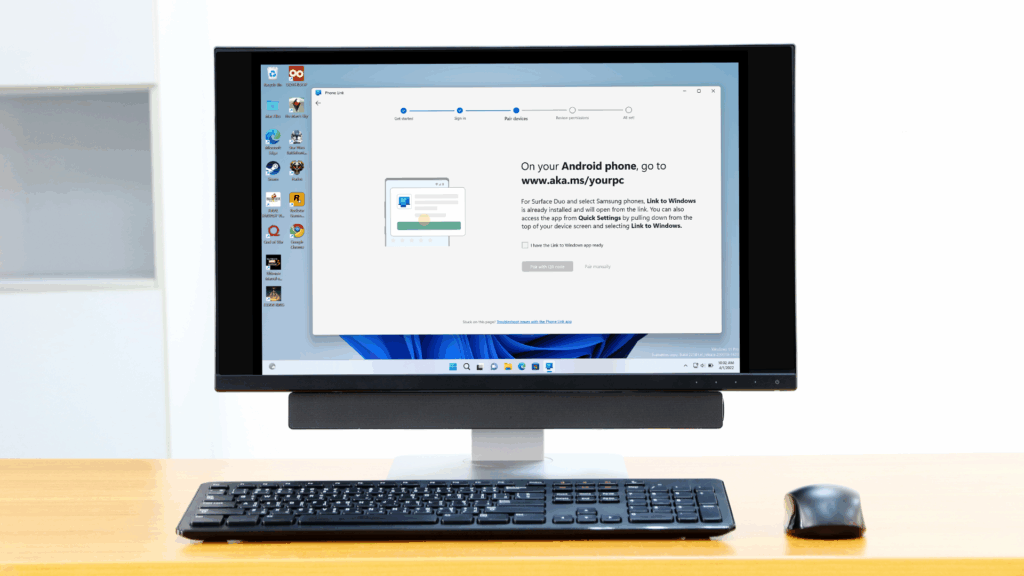
- Phone Link is getting a new feature for when you’re casting Android apps to the desktop (with certain phones)
- Currently, many apps are stuck on a narrow (vertical) view of the phone screen.
- New ‘expanded view’ button currently in testing will allow the app window to be much larger
If you use Phone Link to connect your smartphone to Windows 11 and sometimes run Android apps on your desktop, you might soon have a way to make those apps appear in a larger window.
As Windows Latest notes, Microsoft is now testing a new option for the Phone Link app casting feature (a capability for certain smartphones that lets you run Android apps in their own window on the Windows 11 desktop).
This is an ‘expanded view’ icon, which is located at the top right of the window the Android app is running in (next to minimize), and when clicked, makes the window much larger, taking it out of the small (vertical) view you’re stuck with when using many apps now.
That narrow view of the phone screen is far from ideal on a larger desktop monitor, and it’s great to be able to have an expanded view, even if it’s not full screen (as you can see in the example screenshot below).
This feature also seems a little wonky with some apps these days, like Uber, where the app only gets a little bigger and there are big blocks of black background to the left and right of the usable section of the window. The text may also be slightly blurry, which is also not ideal.
However, remember that this feature is still in testing, so we can expect there to be problems. (Windows Latest notes that it was testing the feature in a preview build of Windows 11 on the Dev channel, with version 1.25112.33.0 of the Phone Link app.)
Analysis: alternative solution to duplication
As Windows Latest notes, there are tweaks you can currently use to get an Android app that’s locked to a portrait phone screen size to transform into a larger window on the desktop. That is, using screen mirroring (the ‘open phone screen’ option) with Phone Link and rotating the phone screen to landscape.
However, it will be great to be able to use app casting and have a simple button that can increase the size of a small Android app window with a single click.
While, as noted, there appear to be quite a few wrinkles with the current implementation of this feature, these need to be ironed out before this expander button is released with the release version of Phone Link.
The problem is that app streaming is only supported on certain smartphones, including recent Samsung models and also Asus ROG, Honor, OnePlus, Oppo, and Xiaomi phones. (Though note that basic phone mirroring, which is a separate capability from app streaming, is more widely supported.)
The best computers for all budgets
Follow TechRadar on Google News and add us as a preferred source to receive news, reviews and opinions from our experts in your feeds. Be sure to click the Follow button!
And of course you can also follow TechRadar on TikTok for news, reviews, unboxings in video form and receive regular updates from us on WhatsApp also.


