

Notion is a strange beast, even for those who use it regularly. The app’s bread and butter may once have been database management and a place to store notes, but as we approach 2026, it has now become something that encompasses much more.
Last year, I pointed out how you can use a number of tools within the free version of the app to set goals, manage tasks, and create templates. If you want an introduction to some of the basic things you can do, I recommend reading it first.
But Notion can now do much more thanks to new tools and, yes, artificial intelligence. If you’ve spent any time with Notion in the last few years, you might be surprised at what it can help you accomplish now.
1. Hug the agent
Notion is definitely leaning more towards AI than ever, as you would expect.
While there are a host of AI tools, such as being able to create charts from data and asking Notion AI to search your workspace for something you referenced months ago, a more recent feature is the Notion Agent.
As the name suggests, this is the company’s Agentic AI. Think of it less like having a tool that can find data or analyze what’s there, and more like having a helpful extra pair of hands that can enter data, update pages, and much more. You can get a trial of Notion AI on the Free and Plus plans, but to have full access to the Agent you need the Business plan ($20 / £16.50 per month, about AU$30 per month). That’s what I’m on.
You can ask your Notion agent to create a database for almost anything, adding as much information as it can, and it will create it in seconds while explaining what you can do and the steps you can take next – very useful.
Not all of Notion’s AI-powered features require a subscription (for example, Mail and Calendar are free), but understanding what Notion Agent can do could greatly help your organization’s prospects in 2026. A good place to start is this introductory video to Notion Agent.
2. Manage meetings
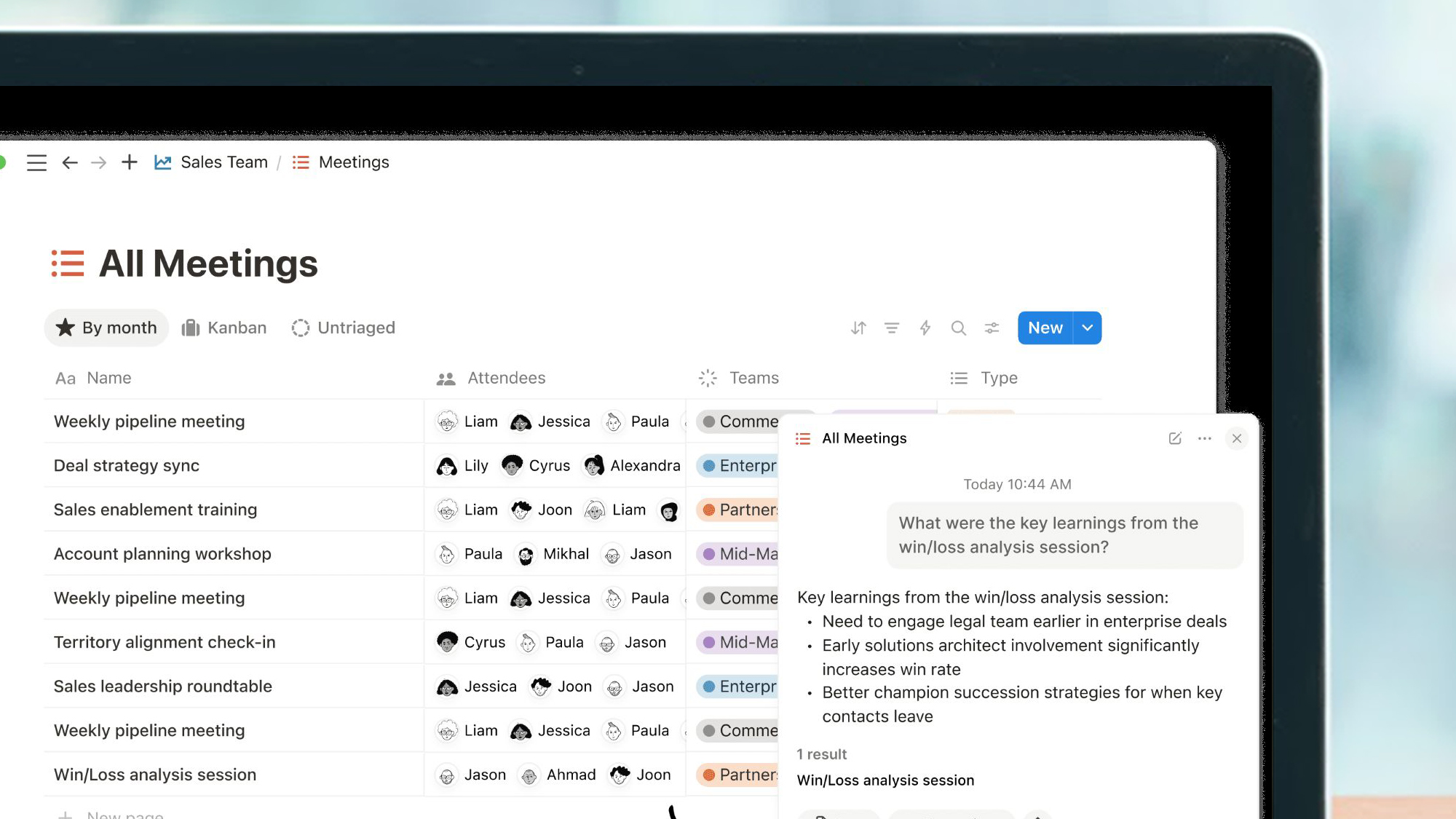
One of my favorite features that Notion added this year is its Meeting Notes. Real-time transcription is one of the most useful AI tools out there, but with Notion you can use a backslash and then “huddle” it to listen to calls.
It’ll also automatically activate if you want to make a quick call and have it take a bunch of notes, with options for a full transcript, summary notes, and an AI summary.
It also drops right into your workspace, so you can send it to colleagues or instantly turn it into an action plan, and it’s all searchable with Notion AI too.
The only catch is that you need the Business plan ($20 / £16.50 per month, about AU$30 per month) to unlock a limited amount of AI Meeting Notes.
3. Organize email
TL;DR What’s new in Notion?
- Notion has a new set of AI tools, including connections to popular models like ChatGPT and Google Gemini.
- Notion Mail has joined the standalone Calendar app to manage your email.
- Its business tools are also improving, meaning you can now look up key details in services like Slack.
Last year, Notion added a second app to its core product with Notion Calendar. In the months since, that app has gotten better with each update. It’s clean, easy to analyze at a glance, and finally eliminated that extra panel with keyboard shortcuts on the side.
It adjusts to time zones and has a built-in scheduling tool, while it has access to your Notion database so you can update information there without having to go to a separate app.
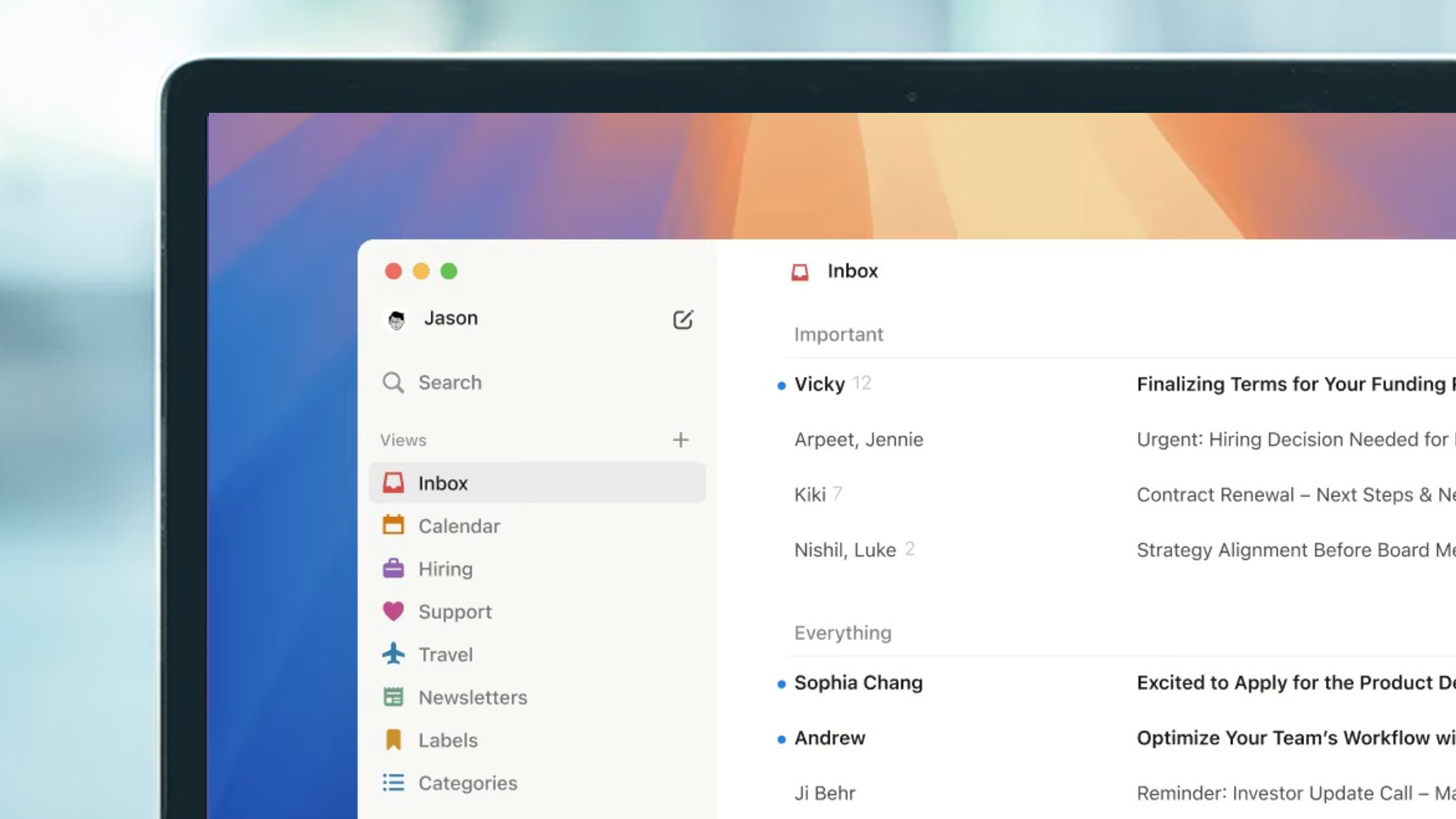
New in 2025, however, is Notion Mail. Since it arrived, it’s also become more useful. With Notion AI, you can filter incoming mail automatically, meaning you can display documents that need a signature, emails with meeting invitations, and much more.
With support for snippets, suggested replies, and scheduled sending, it’s helped me get through my inbox much faster.
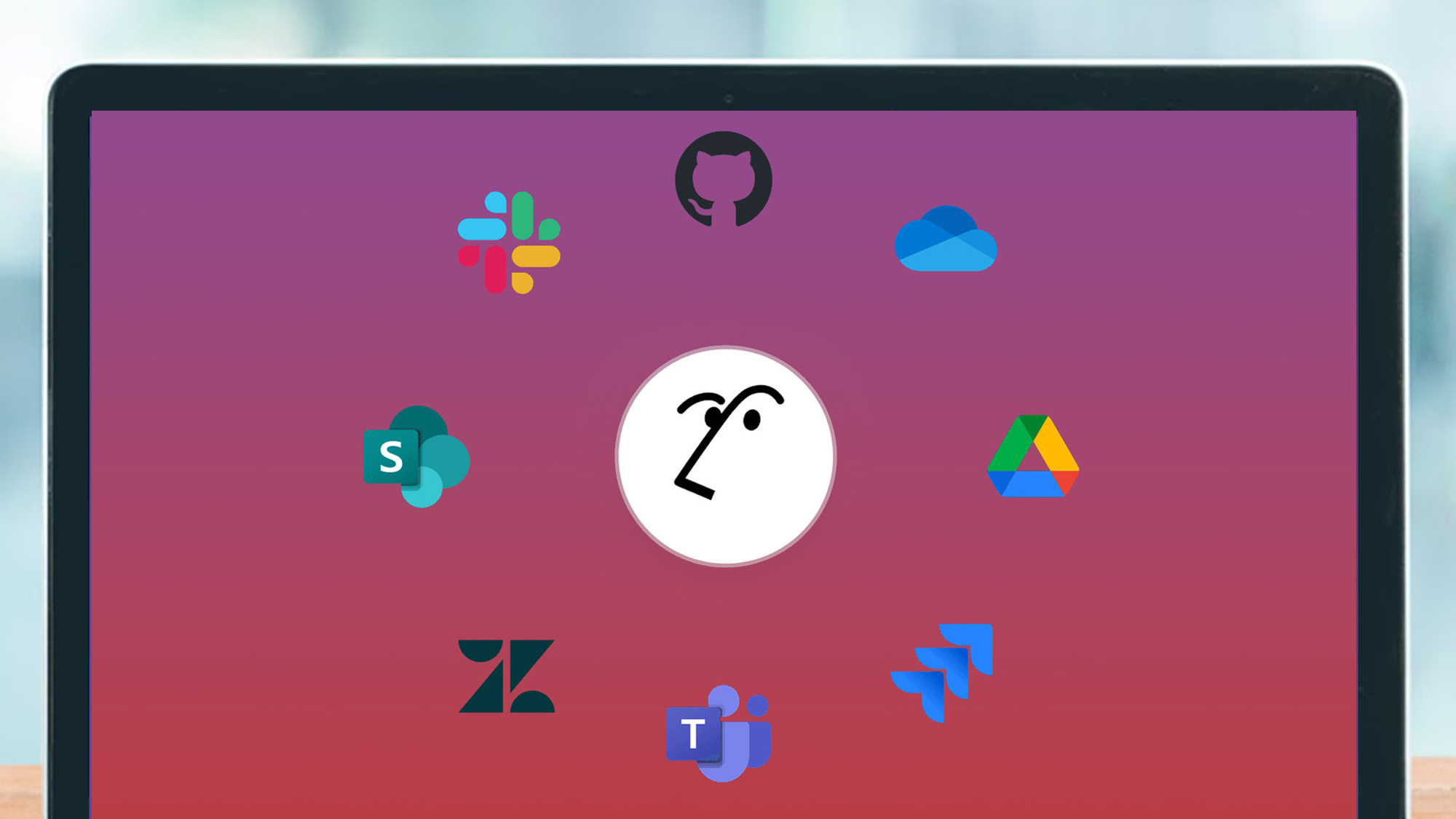
Another big improvement that comes with Notion Agent is that it can link to a bunch of non-Notion apps.
That includes development tools like Jira and Github, storage locations like iCloud Drive and Box, and workspace solutions like Slack, Teams, and more. This means your agent can delve into almost anything you give them access to.
Asking it to search for articles I’ve written, as well as drafts from my Google Drive that correspond, is more useful than you might expect, allowing me to see what’s active, what’s not, and more.
If you’re already using some type of AI chatbot, you may be able to integrate it into your Notion as well. As of this writing, it includes Claude Sonnet 4.5, Claude Opus 4.5, Gemini 3 Pro, and ChatGPT 5.1, with the caveat that they are in beta.
5. Building a task manager
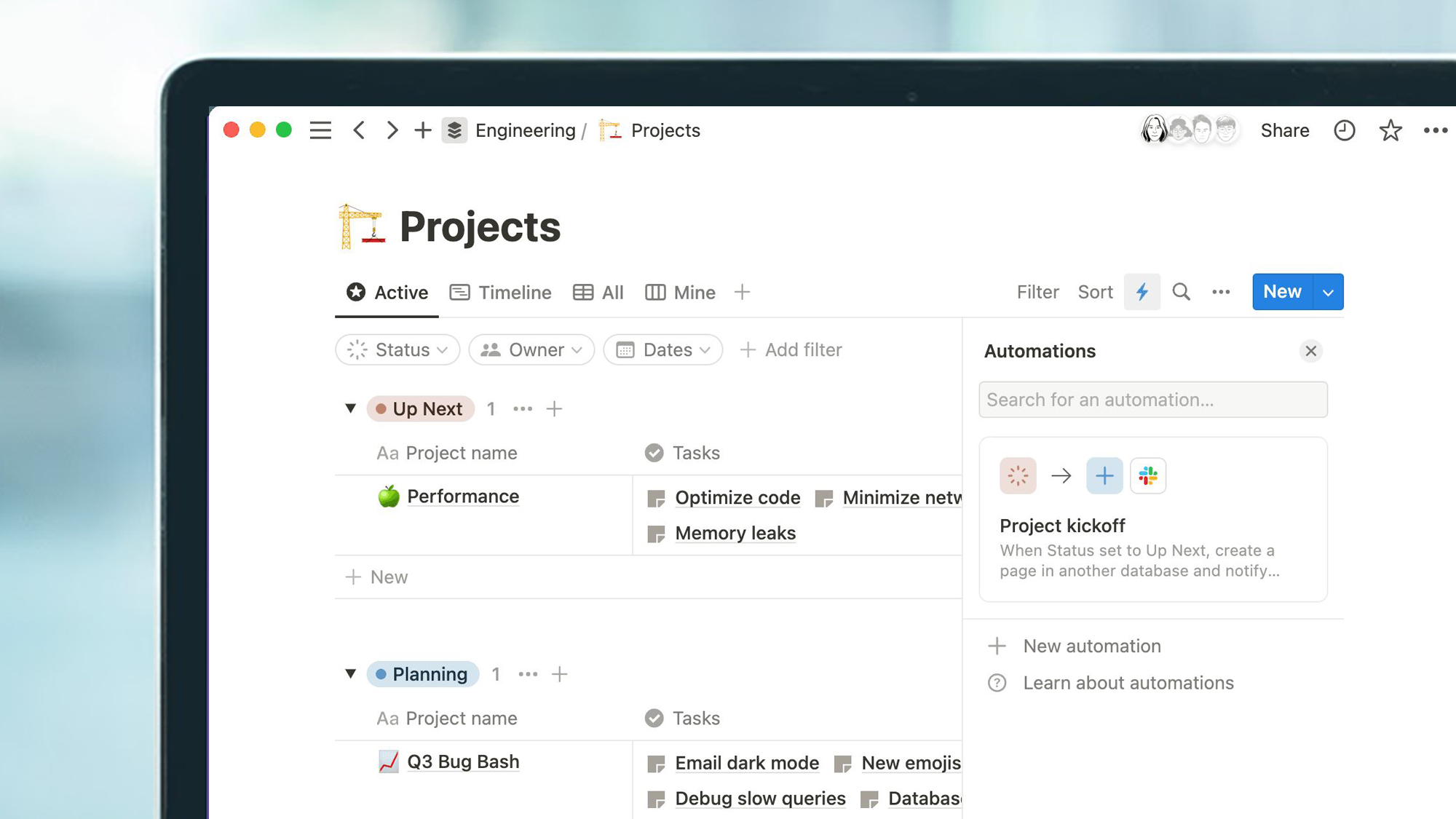
This isn’t an AI task (and Notion agents can’t create automations… yet), but you’ll be surprised how much you can do by building your own.
For example, when I record a job as sent to a client, it automatically marks it as done on my Kanban board. When I add an invoice date, it marks it as invoiced, and so on.
When you tie it in with other services and tools, it can get quite complex. My task manager can enter tasks using an email trigger, so my Notion can send the relevant data from my email to that address, which then populates it on my to-do list with a deadline, client name, and more. The only real limits are the ones you can imagine.
Follow TechRadar on Google News and add us as a preferred source to receive news, reviews and opinions from our experts in your feeds. Be sure to click the Follow button!
And of course you can also follow TechRadar on TikTok for news, reviews, unboxings in video form and receive regular updates from us on WhatsApp also.


