
Spotify Wrapped 2025 is finally launching globally (and you can follow the latest reactions in our Wrapped 2025 live blog), but the streaming service’s popular roundup doesn’t always arrive in time for everyone. If your Wrapped 2025 stubbornly refuses to show up, there are a few tricks you can try.
During previous Wrapped releases (like in 2023), we even saw “internal server error” messages when Spotify’s servers crashed under demand. There’s no sign of anything like that this time, but that doesn’t mean some aren’t having a hard time finding their Wrapped 2025 summary; If that includes you, try the solutions below.
Before that, just a quick note: it’s worth keeping in mind that you must have listened to Spotify for a minimum period of time to qualify for the Wrapped roundup. You must have streamed at least 30 tracks for more than 30 seconds each from five unique artists (on a free or Premium account), but this won’t be a problem for most.
1. Update the Spotify app
The best first step is to check that you are definitely running the latest version of the Spotify app.
Go to the Spotify app in the App Store (on iOS) or Play Store (on Android) and check that there are no app updates waiting for you. On iOS you must run version 9.1.0 of the application, while on Android it is version 9.1.0.1147.
Still not showing? Instead, you could try the nuclear option: deleting the app from your phone and then reinstalling it. Your music and playlists are linked to your Spotify account, so they will appear again when you log back in. But it could be the push you need to bring Wrapped 2025 to life.
2. Go to the mobile site
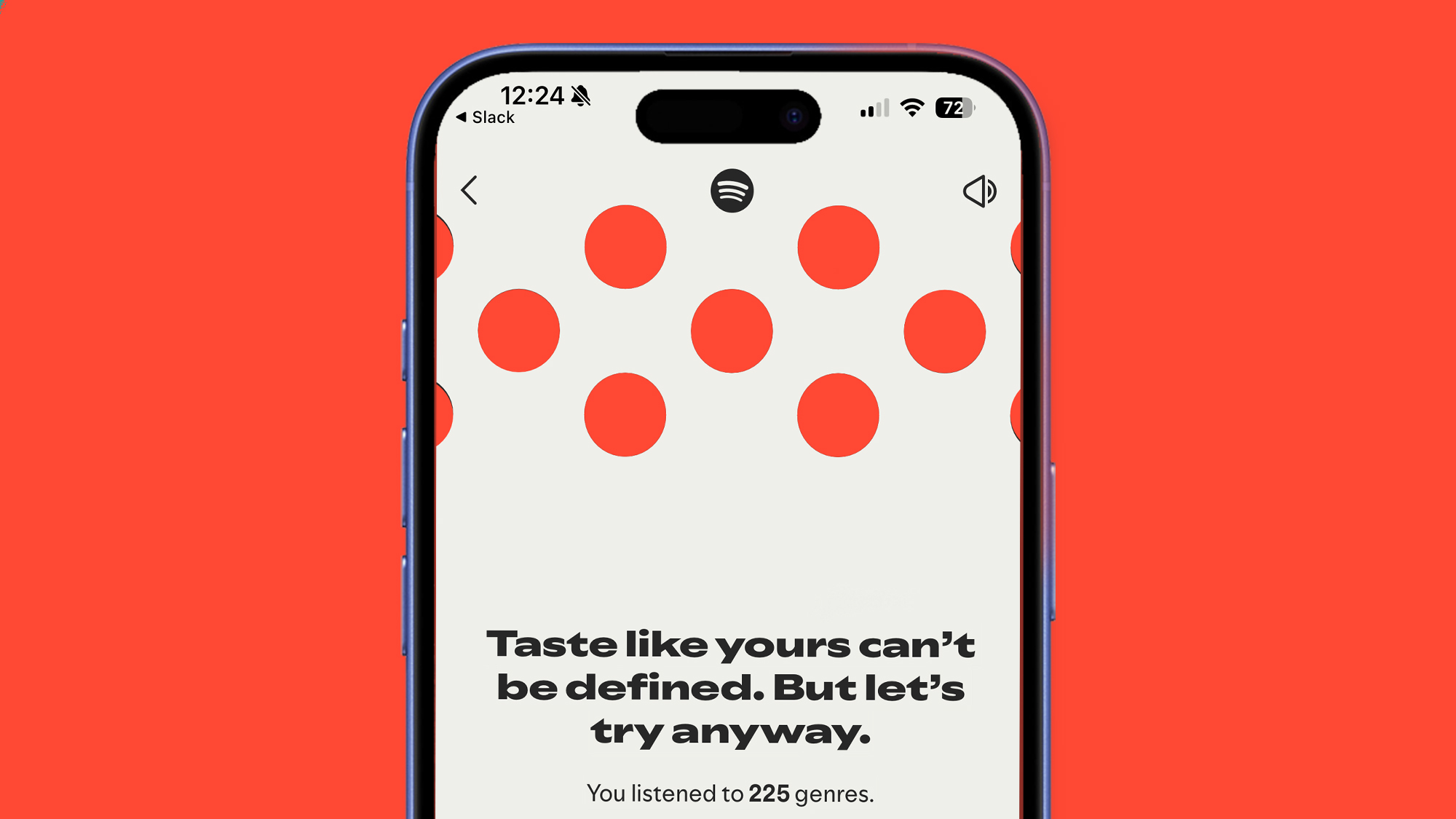
If Spotify Wrapped 2025 doesn’t appear as a banner or tile in the app’s Home tab, there are two other ways to find it.
One is to simply head to the Spotify Web Player on your mobile browser on iOS or Android and log in to your account. We have had the experience that Wrapped 2025 is not available within the app, but plays for us on the mobile site.
The downside is that you only get the slideshow experience without Wrapped’s extras, but it’s a start while you wait for Wrapped to belatedly appear in the app.
3. Take the manual route
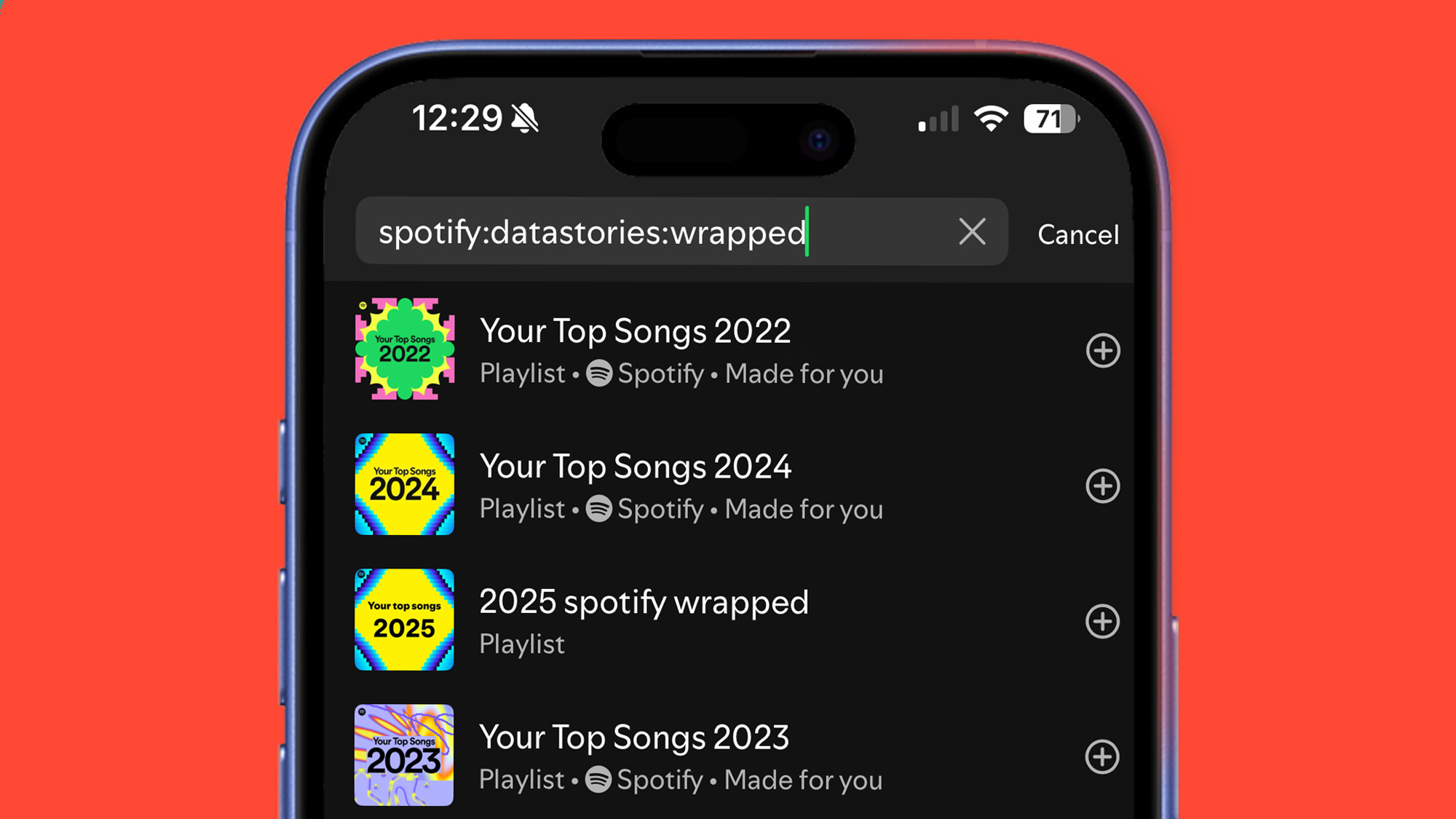
If none of the above steps have worked and Spotify Wrapped does not appear as a banner or tile in the app, you can also try using the Spotify search bar.
In the app’s search bar, try typing ‘spotify:datastories:wrapped’ or ‘2025 Wrapped’ and then hit ‘search’. For us, typing the former took us directly to our wrapped summary, but the latter can also produce a result that you can tap to view in your slideshow.
This is also an alternative way to find the Wrapped AI podcast. If you can’t see a tile, try searching for ‘Your Wrapped AI Podcast on Spotify’; if it’s available it should produce a result so you can touch it.
How long will Spotify Wrapped 2025 be available?
Spotify Wrapped usually has a limited viewing window, after which it becomes a simple playlist of your favorite songs of the year.
In previous years, Wrapped was available to view until mid-January, after which it simply redirects you to a playlist of songs. It’s not yet clear if this will be the same for Wrapped 2025, but it gives us a rough idea of the window. The AI podcast feature is expected to be available for a much shorter period of time.
Do you want to listen to your Wrapped playlists from previous years? Head to the app’s search bar and type “wrapped 2020” or “spotify:genre:2020” (depending on the year chosen).
Follow TechRadar on Google News and add us as a preferred source to receive news, reviews and opinions from our experts in your feeds. Be sure to click the Follow button!
And of course you can also follow TechRadar on TikTok for news, reviews, unboxings in video form and receive regular updates from us on WhatsApp also.


