
- iOS 27 Could Help Extend Battery Life, New Report Claims
- The changes should come to new and old iPhones.
- There are ways to improve battery life before iOS 27 arrives
Apple will likely show off iOS 27 at WWDC 2026 in June, but details have already started to emerge about what it could offer. While it’s expected to be a much smaller update than iOS 26, a new report says it will contain vital battery life improvements that could help your iPhone last longer, even if it’s an older model.
This rumor comes from the Power On newsletter published last weekend by Bloomberg reporter Mark Gurman. There, Gurman describes iOS 27 as a “cleanup job” whose code changes “could improve the battery life” of the company’s top iPhones. These changes should affect any device that supports iOS 27, including older phones.
Gurman says that right now the iOS code is “a little messy.” This has led to several inefficiencies that can lead to slow battery performance. But with iOS 27 aiming to eliminate them once and for all, including by “removing bits of old code, rewriting features, and subtly updating apps to make them work better,” the result could be a “more agile and responsive operating system.”
We don’t know how much improvement we’re likely to see, and Gurman notes that “it’s not clear whether [Apple] will market the changes, or if this is just a benefit of cleaning things up.” If Apple decides not to promote the battery increase, that could mean the difference will be relatively minor, but many iPhone owners will wait longer, given their difficulties with iOS 26.
How to improve the battery life of your iPhone
Don’t want to wait until iOS 27 arrives in the summer? There are still many things you can do to improve your iPhone’s battery life right now. On its website, for example, Apple recommends that you update your iPhone to the latest operating system, as this could contain battery and performance tweaks that can help your device last longer on a single charge.
Aside from that, you can enable Low Power Mode, which disables several features that quickly drain battery life. Or you can enable the similar Adaptive Power Mode if you’re running iOS 26, and this automatically adjusts iOS features based on your usage patterns with the goal of slowing down battery drain. You can enable both Low Power Mode and Adaptive Power Mode on Settings > Battery > Power Mode.
Dim the brightness or enable auto-brightness, which adjusts the screen’s brightness on the fly, in Settings > Accessibility > Display and text size > Auto brightness – will help reduce the amount of power consumed by your screen. Another display tip is to disable the iPhone’s always-on display (if your iPhone supports it) by going to Settings > Display and brightness > Always on display.
Wi-Fi connections also tend to consume less power than mobile data, so enabling Wi-Fi is also a good idea. You can do this in Settings > Wi-Fi.
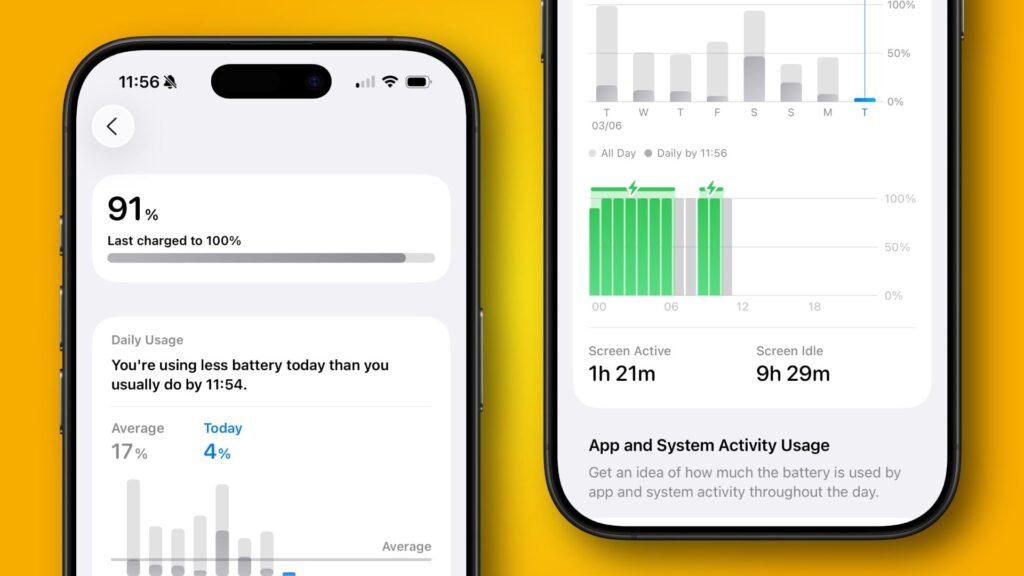
Finally, be sure to examine all the data displayed in Settings > Battery. Here you will find detailed reports on how quickly your battery drains and what the main culprits of battery drain are. Make adjustments based on that information and you might be able to squeeze even more power out of your battery while you wait for iOS 27 to arrive.
Follow TechRadar on Google News and add us as a preferred source to receive news, reviews and opinions from our experts in your feeds. Be sure to click the Follow button!
And of course you can also follow TechRadar on TikTok for news, reviews, unboxings in video form and receive regular updates from us on WhatsApp also.


