
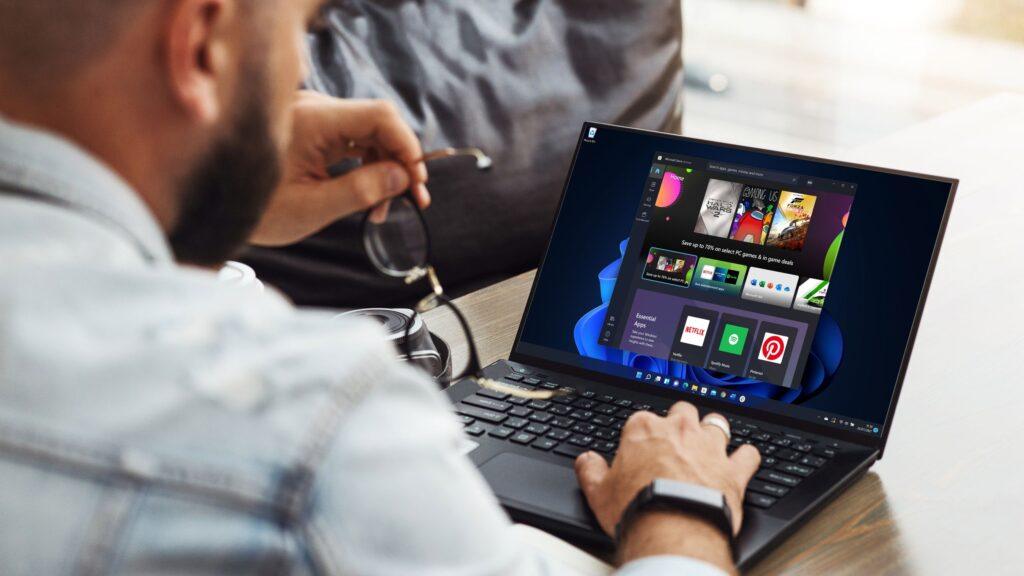
- The latest Windows 11 update fixes many bugs
- It includes the cure for a glitch that causes core parts of Windows 11, such as the taskbar and Start menu, to crash.
- There are also fixes for issues with monitors and GPUs, and more, but this is a preview patch and you’d better wait for the full release.
Windows 11 is getting some important bug fixes for issues with core elements of the operating system crashing, and more.
In fact, you can benefit from this right now via an optional update, but I advise you to wait, if you can, until the full version (I’ll explain why again in a moment).
As Windows Latest reports, these fixes are part of the preview update that arrived earlier this week (it came a little late, as these optional implementations typically roll out at the end of the month, so it should have been late November).
In any case, the main solution is a bug that causes Explorer.exe to fail, which is the fundamental process behind the main parts of the Windows 11 interface.
That includes the Start menu and taskbar, both of which crash when certain Windows 11 notifications arrive. Windows Latest found the issue and noted that the taskbar crashed in your case, disappearing completely, before reloading.
It’s a strange problem and Microsoft hasn’t explained what caused it, or exactly which notifications are to blame, but if you’ve had core parts of the Windows 11 interface crashing in this way, this optional update should fix it.
Microsoft also fixed a bug that caused a toolbar to “appear unexpectedly in File Explorer” and an issue where taskbar icons were reduced to a smaller size when this did not need to happen. (Normally, these scaling changes are applied automatically when needed, but in these scenarios they are not necessary, so Windows simply makes the taskbar icons smaller for no good reason.)
So there’s quite a bit of work here to smooth out interface quirks in general, and also some important fixes for monitors and graphics cards.
That includes cases of “momentary stuttering” when loading some PC games with a very high-resolution monitor, which is because the game asks the monitor for a list of supported modes (resolutions, refresh rates), we’re told. It doesn’t affect the actual gameplay, just the initial start of the game affected, but it’s still nice to get rid of the stuttering.
In addition to this, Microsoft has fixed a glitch that caused certain games to produce an “unsupported graphics card detected” error when using a GPU that was fully supported.
Additionally, Microsoft notes that it has fixed the following bug: “All-in-one PCs may experience issues with the brightness slider, where it unexpectedly reverts to the original brightness when interacting with it.”
Analysis: eye-catching update
There are also other bug fixes in this preview update, so it’s a good amount of troubleshooting work on Microsoft’s part.
However, as I already said, I wouldn’t choose an optional update as a general rule, just because it can introduce new problems (after all, it’s technically still beta software) and in this case, there is a confirmed bug affecting those using dark mode. This is causing white light flashes on the screen sometimes when opening a folder (or performing certain actions with folders), which, as I’ve already noted, will get pretty stale, pretty quickly.
That said, if you don’t use dark mode, this error obviously won’t bother you, although that doesn’t rule out possible glitches elsewhere on your particular system.
So, in general, it’s better to wait for the full release of a patch, rather than the optional preview, especially since in this case, the finished version will arrive in less than a week (Tuesday, December 9). My hope is that by then Microsoft will have resolved the white flashes that plague dark mode. In fact, I think it’s imperative that that happens, considering that many use dark mode and the white flashes are quite unpleasant and irritating.
The best computers for all budgets
Follow TechRadar on Google News and add us as a preferred source to receive news, reviews and opinions from our experts in your feeds. Be sure to click the Follow button!
And of course you can also follow TechRadar on TikTok for news, reviews, unboxings in video form and receive regular updates from us on WhatsApp also.


