
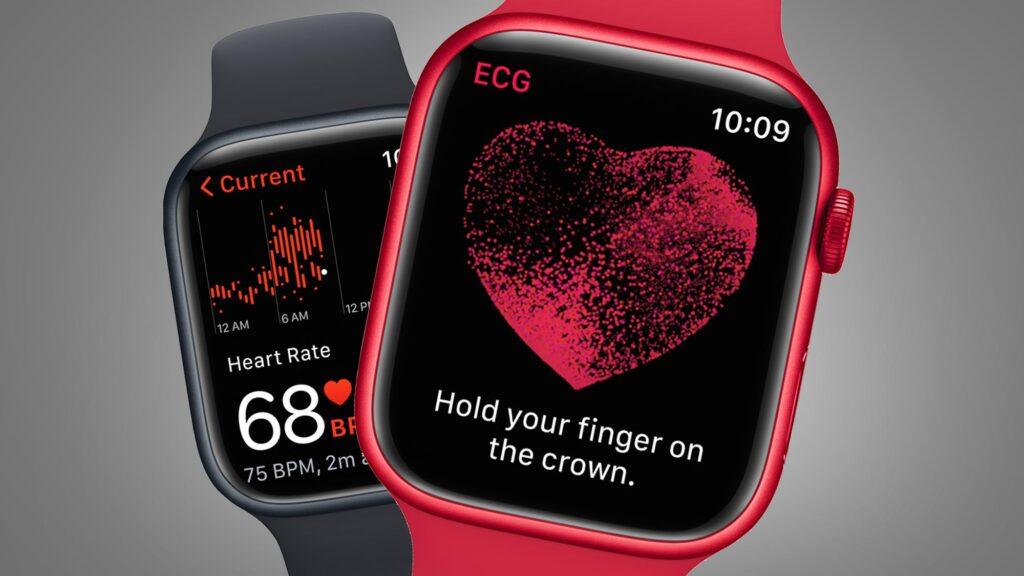
- New research confirms that Apple Watch heart health features can help with clinical diagnosis
- The study, published in the Journal of the American College of Cardiology, shows that wearing an Apple Watch could increase the likelihood of being diagnosed with atrial fibrillation by four times.
- Here’s how to set up your Apple Watch to make sure it detects an irregular heartbeat
Regular readers will know that most smartwatches and many of the best fitness trackers now come with an ECG feature that can help diagnose heart health issues. Apple is leading the way on this, with the best Apple Watches now able to detect not only irregular heart rhythms, but also signs of hypertension or high blood pressure.
Now, a recent study has confirmed that Apple Watches can aid in the diagnosis of atrial fibrillation, detecting otherwise asymptomatic conditions before they occur, and could even quadruple the number of diagnoses that doctors might miss before it’s too late. The end result saves money and treatment time for medical services, and can even save patients’ lives.
the investigation
Researchers at Amsterdam University Medical Center (UMC) studied 219 patients over the age of 65 and at “elevated risk of stroke” with an Apple Watch, and 218 patients receiving standard care. In the Apple Watch group, 21 patients were diagnosed with atrial fibrillation and received care, and 57% of them showed no external symptoms other than those shown on their watch.
Only five patients were diagnosed in the control group, all of them symptomatic. The watches detected four times as many people who were diagnosed with heart disease.
Amsterdam UMC cardiologist Michael Winter advocated for the use of smartwatches in medical settings, stating that the savings on medical services would “offset the initial cost of the device.”
“Using smart watches with PPG and ECG functions helps doctors diagnose people who are unaware of their arrhythmia, thereby speeding up the diagnosis process,” Winter said. “Our findings suggest a potential reduction in the risk of stroke, which benefits both patients and the healthcare system by reducing costs.”
How to activate irregular heart rhythm notifications
Apple has published a guide on heart rate notifications, but here’s how to turn them on.
- Open the Health app on your iPhone.
- Look for Heartand then play Irregular rhythm notifications.
- Follow the on-screen setup instructions.
- Turn on notifications by switching to the Apple Watch app, then My watch > Heart > Irregular rhythm


