
- Apple’s iOS 26.3 update makes it easier to switch to Android
- It is the result of intense pressure from the EU.
- The update also contains privacy and security fixes.
The last thing Apple wants you to do is switch from iOS to Android, but with all the problems coming with iOS 26, from Liquid Glass design fiascos to delayed Siri features, you might be wondering if it’s time to switch to Google’s operating system. If so, there’s good news, as Apple’s iOS 26.3 update just made it easier to get rid of iOS for good.
Specifically, iOS 26.3 has added a new option to the Settings app titled Transfer to Android. You will find it by going to Settings > General > Transfer or reset iPhone > Transfer to Android. All you have to do then is place your iPhone next to your Android device, connect the two products using a QR code, and then allow the transfer to begin.
This sets up a seamless transfer of your files, apps, photos, messages, and more to your new Android phone (although health data, products paired via Bluetooth, and protected items won’t make the jump).
In the past, moving from one system to another could involve potential hiccups, and you may have needed to manually back up your files to ensure the transfer was successful. Now, Apple takes care of everything for you, so all you need to do is touch a button and let it start.
Apple is not the only company that has made this procedure much easier, as Google has also made the switch to iOS relatively simple. Whichever way you want to move, there should be a lot less hassle now.
More than just changing Android
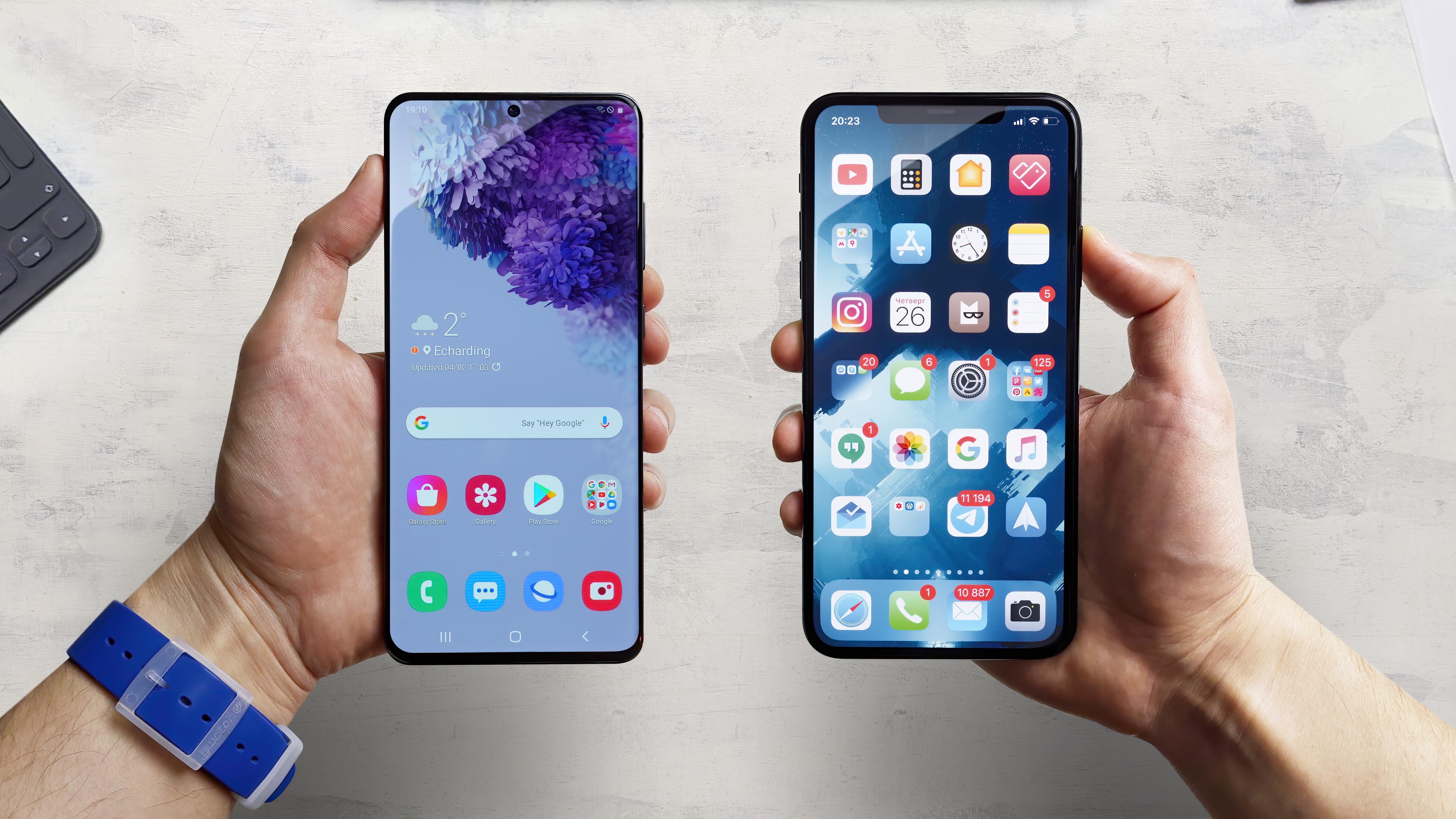
Why is this happening now? Simply put, the European Union (EU) is breathing down the neck of big companies like Apple and Google and putting pressure on them to make it easier for users to switch between their products. The EU has shown that it is not afraid to impose huge sanctions on big tech companies, so Apple has decided to get in line before more fines are imposed.
iOS 26.3 also offers more than just the change to Android. If your iPhone has a C1 or C1X modem, iOS 26.3 offers a new way to hide your location data from carriers. It also contains a wide range of security patches and fixes that can make your device more resistant to vulnerabilities.
The iOS 26.3 update went through beta testing over the Christmas period and is now available to the general public. If you want to install it, you’ll need to open the Settings app and go to General > Software Update, wait for it to find the iOS 26.3 update, and then tap to install.
Follow TechRadar on Google News and add us as a preferred source to receive news, reviews and opinions from our experts in your feeds. Be sure to click the Follow button!
And of course you can also follow TechRadar on TikTok for news, reviews, unboxings in video form and receive regular updates from us on WhatsApp also.


