

- Apple launched a new Studio Display monitor earlier this week
- It has many improvements but loses some features.
- You can get similar features at lower prices with these alternative displays
Apple launched a set of new monitors this week, including a Studio Display that receives its first updates since 2022. But despite its new features and improvements, it falls short in some areas. That means it may not be the right choice for you.
Fortunately, there are many other options. Here, we’ve found three monitors that are great alternatives to Apple’s Studio Display.
1. BenQ MA270S
BenQ is known for making some of the best monitors out there, and its new MA270S continues that trend with a range of features that match (and often surpass) what Apple offers.
For example, it includes the same 5K resolution, 27-inch frame, and IPS LED backlighting. Its 70Hz refresh rate is faster than the Studio Display’s 60Hz, and it supports HDR10, something Apple’s offering doesn’t support. There is a Nano Gloss texture option, which is similar to Apple’s “nano-texture glass” and eliminates glare and reflections. And BenQ’s MA270S costs $1,000/£899, $600/£600 less than Apple’s Studio Display.
That said, there are some drawbacks. The 450 nits of maximum brightness of the MA270S does not reach the 600 nits of the Studio Display, for example. It also lacks Apple-specific features like True Tone, which dynamically adjusts the screen temperature based on ambient lighting.
Studio Display offers Thunderbolt 5 connectivity (BenQ’s MA270S is limited to Thunderbolt 4) and a 12MP camera with built-in Center Stage and Desk View. Finally, it’s unlikely to come close to the audio experience you’ll find on the six-speaker Studio Display, as the MA270S has only half as many speakers.
Still, for $600/£600 less, you might not mind those limitations. Considering the savings, it is a good option.
2. Asus ProArt PA27JCV screen
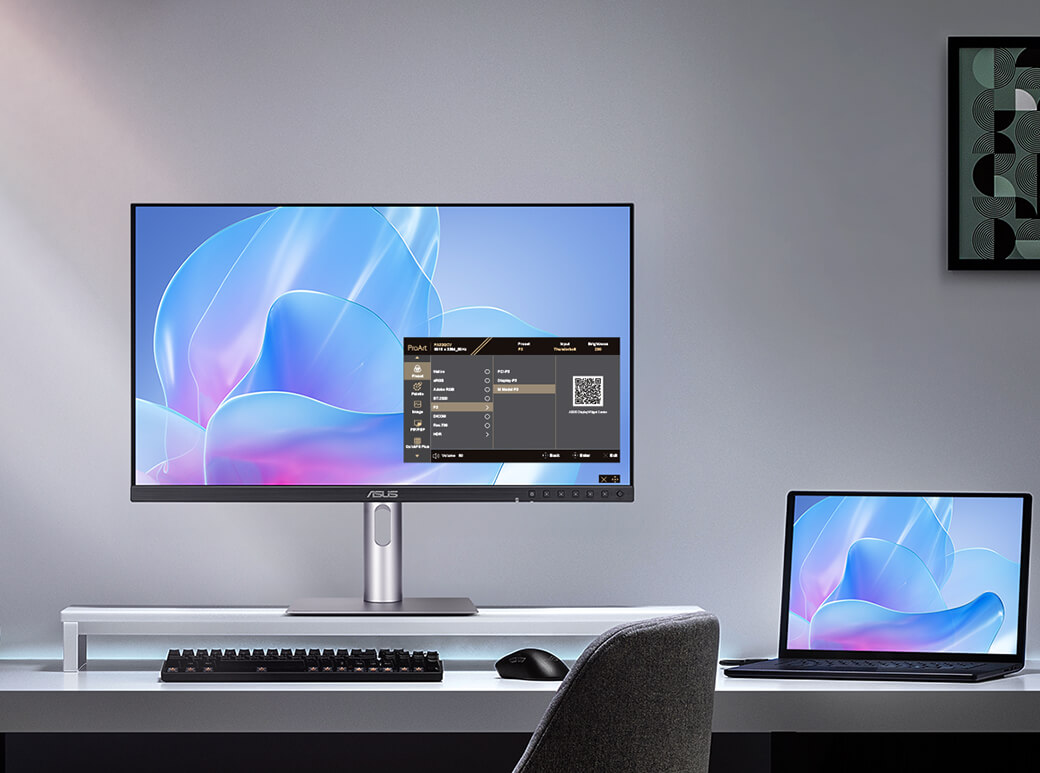
Asus is primarily known for its gaming products, but it also has a ProArt line aimed at the same creatives who might be interested in what Apple has to offer. The ProArt Display PA27JCV, then, is an interesting alternative to the Studio Display.
You get a 27-inch display, 60Hz refresh rate, 5K resolution, and an IPS LED-backlit panel, just like the Studio Display. Asus’s monitor offers marginally lower brightness (500 nits versus the Studio Display’s 600 nits) but supports HDR10 and is compatible with DCI-P3 and Adobe RGB color spaces – the Studio Display only works with the former, while you’ll have to shell out for Apple’s $3,299/£2,999 Studio Display XDR if you want Adobe RGB support.
Like the BenQ MA270S, the Asus screen has its drawbacks. There’s no front-facing camera, no True Tone equivalent, and no Thunderbolt 5 (in fact, there’s no Thunderbolt support). On the other hand, it costs $799/£649 (currently down from the usual £749), which is half the Studio Display’s starting price. That is nothing to sneeze at.
3. INNOCN 40C1U
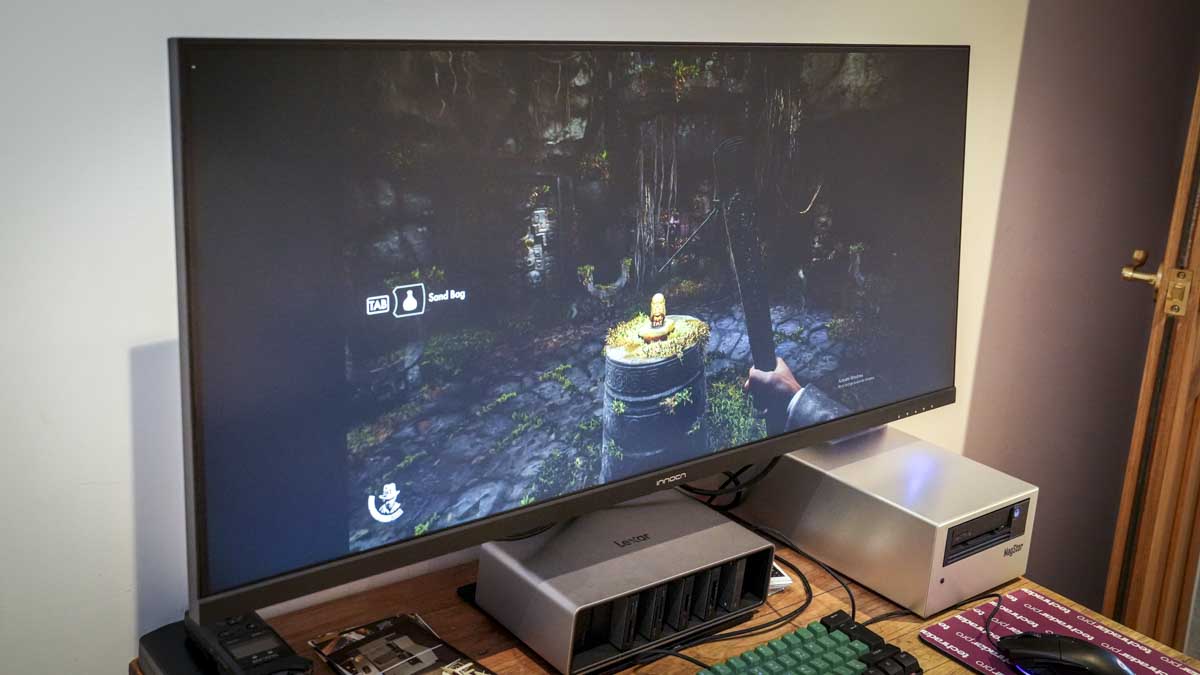
At first glance, you might think that the INNOCN 40C1U is too good to be true. After all, it beats the Studio Display in several ways: its 40-inch ultra-wide screen and 100Hz refresh rate are far beyond what you get from Apple; However, it costs just $750/£795, less than half of what Apple wants for the Studio Display.
The benefits don’t end there. For your money, you get 5K resolution, Adobe RGB support, and much more ergonomic freedom (including height, tilt, and swivel adjustments) than the Studio Display. It also offers AMD’s FreeSync Premium in case you want to dabble a little in gaming. All of this led us to give it a score of 4.5 stars in our review.
Of course, INNOCN has to make sacrifices somewhere. For one thing, the 40C1U doesn’t look as good as the Studio Display. On the other hand, it does not support Thunderbolt or 10-bit colors and lacks any type of webcam. The maximum brightness of 400 nits is surpassed by Apple’s 600 nits, and your two speakers will be impressed by the six-speaker system in the Studio Display. But for $750 / £795 (note that INNOCN does not ship directly to the UK), it still offers a lot.
Follow TechRadar on Google News and add us as a preferred source to receive news, reviews and opinions from our experts in your feeds. Be sure to click the Follow button!
And of course you can also follow TechRadar on TikTok for news, reviews, unboxings in video form and receive regular updates from us on WhatsApp also.


