
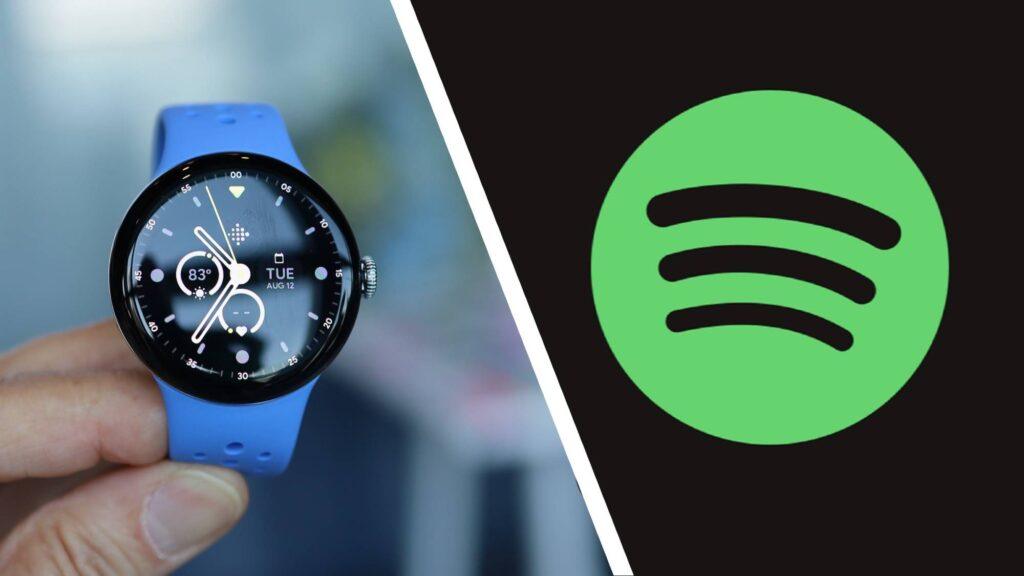
- Spotify has released a bold update for Wear OS
- In addition to new visuals, you can now use touch gestures to play and skip songs.
- It is available for all Wear OS compatible devices, as long as you update the Spotify app in the Play Store.
Are you a Wear OS user and Spotify subscriber? Your wrist experience is about to get better thanks to a major update coming to some of the best smartwatches, including a new graphical redesign and convenient touch gestures.
If you’re a power user of a Samsung Galaxy Watch or Google Pixel Watch, you’ll now have access to the new Spotify experience for Wear OS as long as you’ve installed the latest version of the Spotify app through the Play Store. In an email sent to TechRadar, Spotify details that the new wave of Wear OS features are “redesigned to be more intuitive and more discoverable” and bring “the best of Spotify to your watch.” So what’s up?
Firstly, Spotify’s Wear OS revamp puts visual aesthetics at the forefront of its new ‘Now Playing’ screen, which displays the creator’s art behind the currently playing song, as well as playback controls. You can also view and modify your music queue from this view and control the audio output as well. When you swipe from top to bottom, you’re taken to a new “immersive view,” where the creator’s art is displayed in its entirety without the obstruction of pause and play icons.
Article continues below.
When you swipe up on the Now Playing screen, it takes you to the main Spotify home page, where your favorite songs, downloads, recently accessed playlists, podcasts, artists, and more will be front and center. That said, one of the most useful tools is the search feature that allows you to search for a song to add to your queue, bringing music discovery features to your wrist.
However, the new update is not just about how pretty it looks, it also has a number of practical new tools. You can now manually use your finger to pause, play and skip songs on your watch face, as well as use touch gestures to control playback. One tap will pause and play music, while two taps will skip from one song to the next.
I am an Apple Watch user and I am envious of this update
The best part about the Spotify smartwatch app is that it takes the best features of the mobile experience and puts them right on your wrist, providing a convenient way to control music playback when you’re exercising or your hands are tied.
Spotify’s Apple Watch experience is no different than its new Wear OS update. You can still modify your music queue, search for songs, and access your entire library of saved artists, albums, and recently streamed playlists, but it’s certainly not as pretty.
Apple Watch users miss out on the album art feature, a tool that makes the new Wear OS Spotify experience so bold and visually appealing. Instead, the “Now Playing” page on Apple Watch only shows the song title and artist, with pause, play, skip, and queue icons on a black background. It’s too simple for my taste and, dare I say, a little boring.
However, Spotify for Apple Watch replicates the Home and Your Library tab from the mobile experience, so at least you don’t have to navigate an interface that feels completely different. That said, I hope Spotify gives its version of watchOS some love in the near future; It should at least emulate the Liquid Glass aesthetic that Apple has been pushing for almost a year.
Follow TechRadar on Google News and add us as a preferred source to receive news, reviews and opinions from our experts in your feeds. Be sure to click the Follow button!
And of course, you can also follow TechRadar on YouTube and tiktok for news, reviews, unboxings in video form and receive regular updates from us on WhatsApp also


