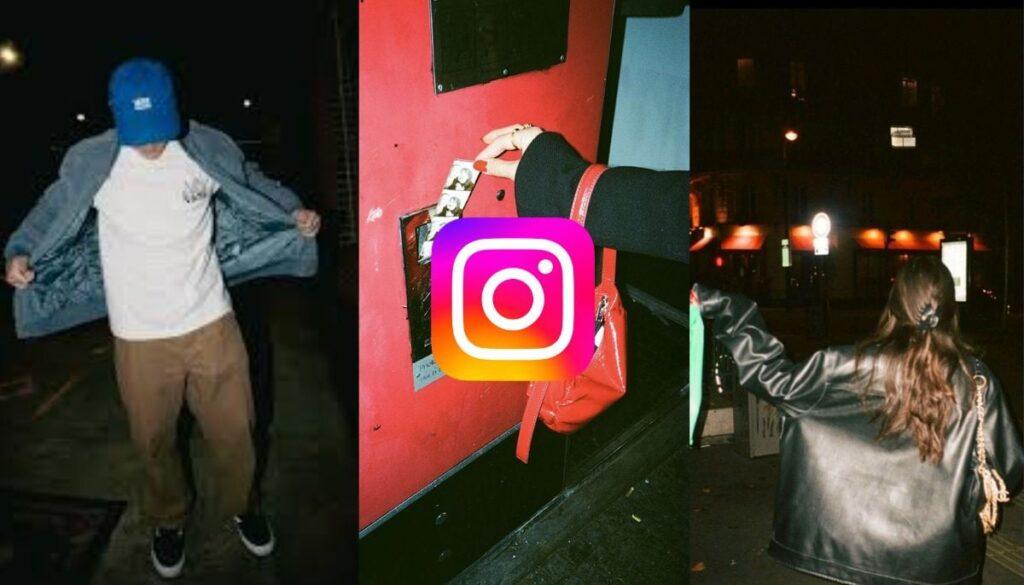
Instagram has launched a new “flash” filter that has taken the Internet by storm.
The effect is designed to mimic the digital camera effect, giving photos a high-contrast, old-fashioned digital camera feel that users really appreciate.
However, users repeatedly face one major problem. AI often modifies facial features, altering the user’s natural appearance in the photo.
This is because Flash is an AI-powered filter that uses machine learning to enhance images. While the filter was primarily developed to add lighting and contrast effects, it often adjusts and subtly reshapes features that leave users looking noticeably different in the edited photo.
But it can be solved in a simple way.
Most users edit the photo using the “Restyle” button. Restyle is an AI-powered feature that allows Instagram to automatically apply flash to the photo.
Instead of choosing to change the style, look in the “effects library.” To do it:
- Play the effects
- Click on the magnifying glass to search for effects
- Search for “Flash” or “Flash III”
- Select the filter and save it.
- Post your image and apply a filter.
This prohibits the AI from editing your facial features.
Pro tip
Always try to apply the filter to darker photos. The filter is designed for low light images. Therefore, in dark photographs, it focuses on brightness and contrast rather than detecting and altering facial features.