
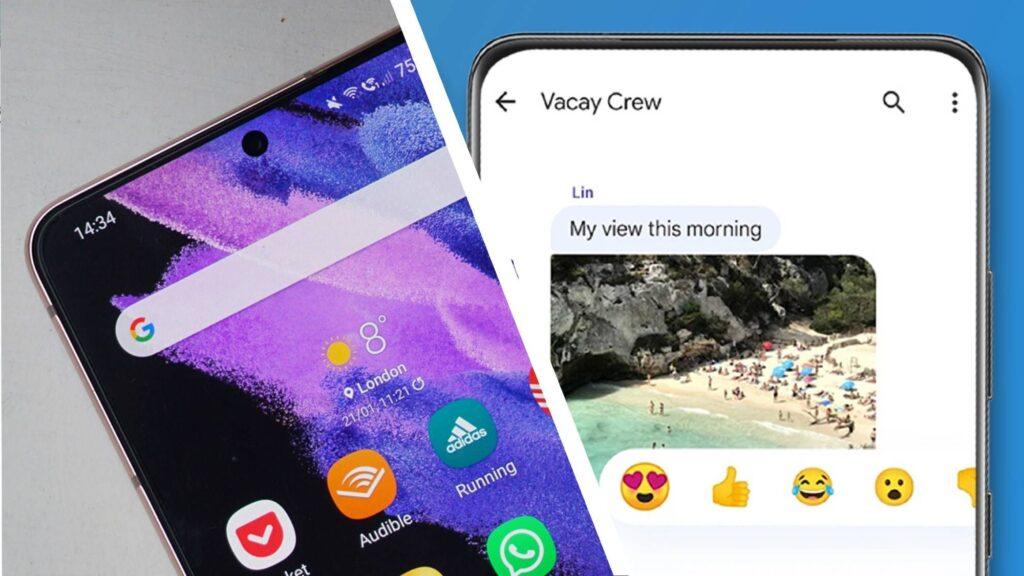
- Google Messages users are noticing chats disappearing on Samsung Galaxy phones
- It appears to be a reindexing issue following the closure of Samsung Messages in favor of Google Messages
- The problem still persists, but a Google expert has offered tips to fix it
Google Messages users have spotted a bug that randomly deletes new and old chats, and their complaints about the issue are spreading like wildfire online.
Users on the r/GoogleMessages forum share their experiences with disappearing chats, but it’s difficult to determine if there is a pattern among disappearing messages. One user noticed “large amounts of messages” disappearing from chats, while others reported seeing entire conversations disappear.
Even though users try to take matters into their own hands, the problem persists; one user also remembers a time when a message “disappeared before.” [their] eyes’. Samsung Galaxy phones seem to be the most affected (the Samsung A52 and Samsung Galaxy S21 have been mentioned on Reddit), but some Google Pixel users are also experiencing similar issues.
Article continues below.
But where does it come from? There is only one thing that users have linked it to, and that is the shutdown of Samsung Messages, which is now entering its phase-out stage, forcing users to turn to Google’s chat service.
Since the issues started spreading, users have been looking for ways to prevent this from happening, including checking their trash, clearing the cache, and checking chat history, but messages keep disappearing for no reason. This has led frustrated users to invade Google’s support page for more advice, and the company has cleared things up a bit.
In response to a user’s question, a Google product expert shared that the Samsung Messages and Google Messages transition is indeed causing this: “While frustrating, the ‘disappearance’ of messages during this transition is often a delay in syncing and reindexing rather than a permanent deletion, especially if they are missing from both apps.” They also detail that RCS incompatibility and synchronization errors during the crossover from Samsung Messages to Google Messages are also contributing to the current problem.
That said, the Google expert went on to offer some solutions. First of all, they recommend waiting more than 48 hours if you just switched from Samsung Messages or just noticed the problem. They also suggest leaving your phone on a Wi-Fi connected charger so you can finish the indexing process.
Alternatively, you can use what the expert calls the ‘Sync Force’ trick, where you will need to set Samsung Messages back as your default SMS app, restart your device to open Samsung Messages, and then wait 2 to 3 minutes for it to load the local database. Once this is done, you can go back to Google Messages and set it as default again.
“How will I be able to trust this application in the future?”
Looking at the collective responses, it’s clear that the transition to Google Messages from Samsung Messages hasn’t been the easiest process, and the error came at a very inconvenient time for those who are just getting used to navigating the reins of Google Messages.
Although this is a minor delay in reindexing, those who have become comfortable using Samsung’s service are still very unhappy with the forced migration. A friend of our writer, Isaiah Williams, has been a long-time Samsung Messages user and has been greatly affected by the change, who shared the following words with us:
“I was already bothered by Samsung’s forced switch to Google Messages and the loss of organizational features I loved as a small business owner, like text categories, but I never expected to see my messages completely disappear. They were there one minute, gone the next, and even after my attempts to troubleshoot, reboot, check file and junk folders, spend ages navigating the app’s cluttered layout and unnecessary AI features, I have yet to fully resolve the issue. I’m just left wondering how will I be able to do that. Trust this app to move forward when the basic functionality seems so lacking.”
Follow TechRadar on Google News and add us as a preferred source to receive news, reviews and opinions from our experts in your feeds.


