
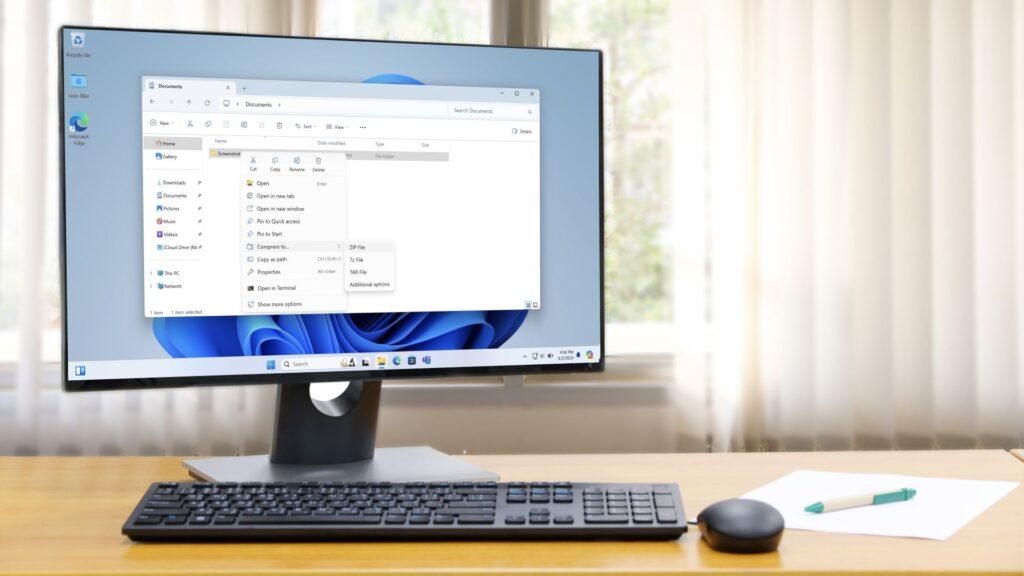
- Microsoft will do more to File Explorer to make it faster
- This goes beyond existing work to help it charge faster the first time you use it.
- It includes “specific optimizations” to further speed up launch and “basic engineering to eliminate unnecessary disk reads, reduce crashes, and improve responsiveness across the board.”
A Microsoft executive has confirmed that work to speed up File Explorer won’t be limited to simply preloading the app when Windows 11 first starts up, and in fact, there are several additional tweaks planned to improve performance.
You may remember that when the preloading change was tested late last year, there were some complaints about it being a pretty buggy fix and complaints that it didn’t fix all the problems with the performance of File Explorer (the app that controls the folders on your desktop).
Windows Latest reports that Tali Roth, Microsoft’s Windows Shell product manager, explained on X that there’s more to come with File Explorer, responding to a post that noted that many felt the preloading solution was “inelegant.”
Article continues below.
Roth said Microsoft is “driving specific optimizations for the launch of File Explorer by improving loading order and optimizing critical paths, as well as removing unnecessary work and visual animations.”
Roth added: “Beyond launch, we are doing the fundamental engineering to eliminate unnecessary disk reads, reduce crashes, and improve responsiveness across the board, many of which will also directly benefit launch performance.”
Analysis: fundamental changes
If you missed the whole preloading incident, this measure involved addressing the fact that on some Windows 11 PCs, File Explorer can take a long time to open the first time you use it (and subsequent folders open more quickly). Microsoft’s tactic was to change the main File Explorer loading process to occur when Windows 11 first starts up, so that it is available more quickly the first time it runs.
Of course, that increases Windows 11’s workload when you first launch the desktop and all the initial processes there, but Microsoft has successfully made the change without any noticeable additional slowness here.
That said, it’s still something of a performance fix, so it’s good to know that Microsoft is exploring other ways to speed up File Explorer. Especially considering that preloading is just about the first-run experience of File Explorer anyway, and does nothing to improve how quickly the app responds upon subsequent use.
The goal of incorporating general optimizations for File Explorer and reducing disk activity sounds pretty profound, with the reference to “fundamental engineering” being the key clue here as to how far Microsoft is delving into the inner workings of Windows 11 to smooth out performance.
Microsoft is in the mood to make big promises about Windows 11 this year, of course, and as I keep repeating, it’s one thing to say these things and another to make them happen. However, to be fair to the company, progress is being made quite quickly and so far the early results of the ‘Windows 11 repair campaign’ look impressive.
However, there’s still a long way to go, and when it comes to File Explorer, the obvious question is: why were the foundations of this critical part of the Windows 11 interface in a more unstable state than ideal to begin with?

The best laptops for all budgets

Follow TechRadar on Google News and add us as a preferred source to receive news, reviews and opinions from our experts in your feeds.


