
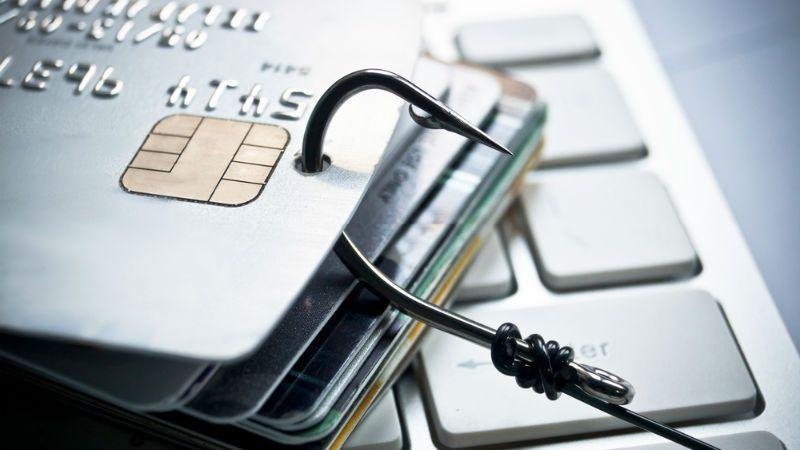
- Attackers are spoofing LastPass and Bitwarden with phishing emails from fake newsletter domains, tricking users into signing fake DocuSign documents.
- Victims are redirected to malicious “enforcement” domains flagged by Microsoft Defender and Cloudflare, which are already offline.
- None of the password managers were breached; This is domain spoofing and users are urged to verify sender addresses and domains before clicking on links.
Criminals have been found impersonating popular online password managers LastPass and Bitwarden in an attempt to trick users into sharing their login credentials to gain access to a trove of passwords and other secrets.
LastPass recently issued a warning to its customers, raising awareness about the ongoing phishing campaign.
However, the scam now appears to have spread to other password managers as well, and Bitwarden clients are apparently being targeted as well.

Passwords are secure
In the campaign, LastPass users received emails from the address “[email protected].”
This address does not belong to LastPass and is in no way affiliated with the password manager. In the message, victims are told that the company’s security policies have been updated and that they must navigate to a specific landing page and sign a DocuSign document.
The email comes with a “Review and access terms” button which, if clicked, redirects victims to lastpass compliance.[dot]com, yet another domain not affiliated with the password management platform.
beepcomputer claims that this domain has already been flagged as malicious by both Microsoft Defender for Office 365 and Cloudflare and is currently offline.
Digging deeper, the journalists discovered another campaign, almost identical, but now targeting Bitwarden users. In this case, victims received emails from the addresses “[email protected]” and were redirected to bitwardencompliance.[dot]com. Identical methodology, just slightly customized.
It is important to note that neither LastPass nor Bitwarden were compromised as part of this attack.
The companies’ infrastructure is intact and passwords are secure. This is a typical domain spoofing attack where criminals purchase a domain similar to the legitimate one, hoping that victims will not notice the difference.
As usual, the best course of action is to always be skeptical of incoming emails and check the domains and email addresses they are sent from. It is also good to compare these emails with any previous messages that have been proven to be authentic, to see if the domains and addresses match.

The best antivirus for all budgets

Follow TechRadar on Google News and add us as a preferred source to receive news, reviews and opinions from our experts in your feeds.