
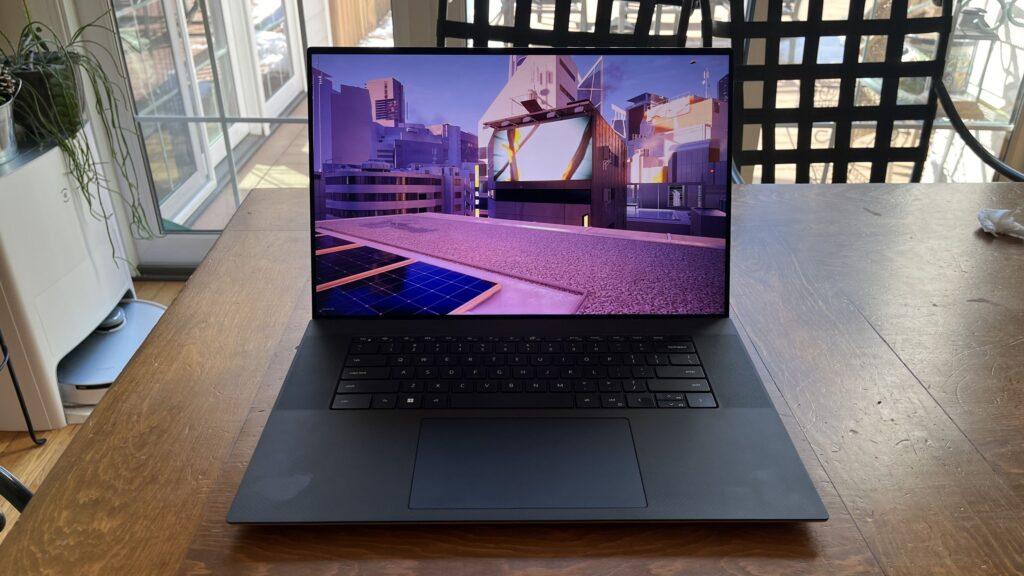
- The Windows 11 July Update has been blocked on certain Dell laptops due to nasty issues with unexpected shutdowns and poor performance.
- Microsoft has just issued an emergency patch to fix those issues, so the PCs in question can install the latest update.
- However, that patch could end up installed on non-Dell PCs if the user has enabled the option to get the latest updates as soon as possible.
The latest Windows 11 update (July) was stuck on Dell PCs because it was buggy on those systems, but the good news is that it is now fixed, but there is one additional issue to be aware of for those of you who don’t own a Dell machine.
Windows Latest reports that Microsoft has just rolled out an emergency update (KB5121767) that fixes issues with certain Dell laptops with Intel CPUs, including unexpected shutdowns and generally poor performance (including slow running and overheating, as well as increased battery consumption).
Those with an affected Dell laptop (and that apparently includes some XPS models, as well as Dell Pro and Precision (business) laptops, and possibly others) should install the emergency patch. As Microsoft makes clear, you’ll find it in optional updates, accessed through “Advanced Options” in the Windows Update panel.

However, the issue I mentioned is that Windows Latest notes that some Windows 11 PCs other than Dell laptops may be able to automatically pick up and install this update, if they have the “Get the latest updates as soon as they are available” option.
Analysis: a notable side effect
This feature is one that people turn on in hopes of getting Windows 11 updates, and more specifically new feature rollouts, more quickly (there can be quite a wait for certain features to arrive, like last year’s Start menu revamp, which some people haven’t received yet).
So, keep in mind that if you have enabled this option, you may get certain updates automatically, such as this emergency patch, when you don’t actually need them on your PC. It doesn’t help that this particular update has a confusing name, as it’s called ‘Update 2026-07 (KB5121767) (26200.8894)’, which might leave you wondering what the heck exactly it is (until you look up the codename KB5121767).
In any case, if you are not happy with this situation, to disable “Get the latest updates as soon as they are available”, you need to go to Windows Update (under Settings) and adjust the corresponding slider (at the top of the “More options” panel).
Why is this option set this way? It seems especially strange in this case, since Microsoft tells us: “This OOB [emergency] The update is only recommended for devices affected by this issue.” That said, it apparently doesn’t cause any harm to an unaffected PC (whether it’s a Dell model or not) if you end up with this emergency patch installed.
In any case, if you enable the option to get the latest updates, don’t forget that this may have side effects, such as installing optional updates that you don’t actually want. It would be a better idea if, in these cases, Microsoft simply marked these updates as available, rather than installing them automatically.
It’s also worth noting that this isn’t the first time Dell laptops have had issues with Windows 11 recently, as last month an update to the company’s SupportAssist app left some laptops crashing about every half hour.

Follow TechRadar on Google News and add us as a preferred source to receive news, reviews and opinions from our experts in your feeds.

The best laptops for all budgets