
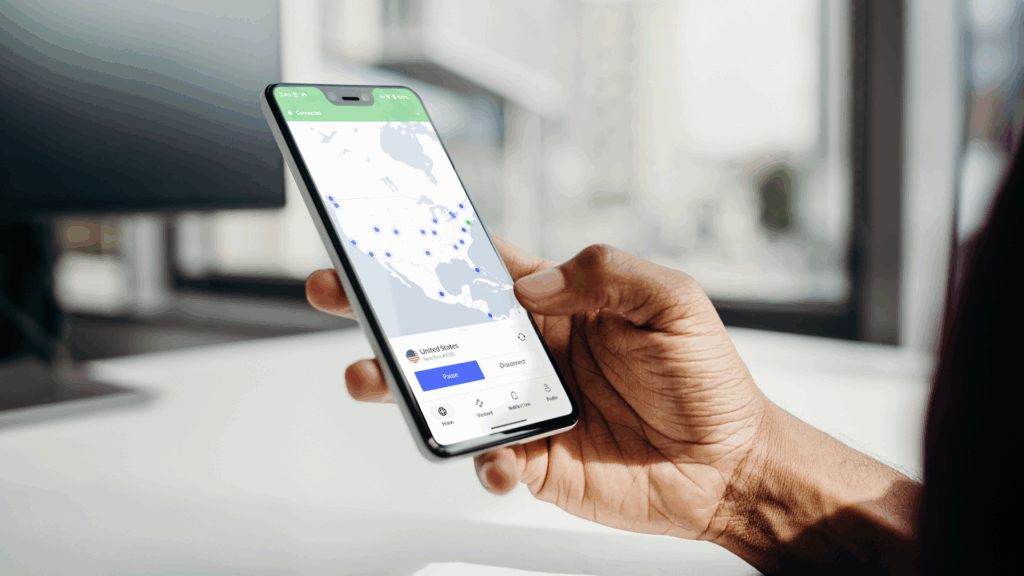
- NordVPN has launched Message Protection for Android users worldwide, adding SMS detection to its Call and Message Protection suite.
- The tool checks incoming text messages from unknown senders and sends a notification when a message appears malicious or suspicious.
- Flagged texts open in a secure view that prevents links from being accidentally accessed, and NordVPN says it never stores the content of messages.
NordVPN is rolling out a message protection feature for Android users around the world, giving people a way to detect fraudulent text messages before they become a threat. The tool automatically detects incoming SMS messages and flags anything that looks like a scam.
The feature, which was already available to iPhone users in early June, joins the existing Call Protection on a single screen, so there is now one place to manage defenses against both suspicious calls and malicious text messages.
NordVPN has long been a favorite for the title of best VPN, but this update is another step in its shift toward an all-in-one privacy and security app, rather than a service that simply encrypts your traffic.
Why text message scams continue to rise
According to GASA’s Global State of Scams 2025 report, text messages and SMS are the second most used channel by scammers. The same research, which surveyed 46,000 adults in 42 markets, found that 57% had been scammed last year, with global losses estimated at $442 billion.
Citing the US Federal Trade Commission, NordVPN says losses from text scams reached $639 million in 2025, a 36% increase compared to the previous year. Fake package deliveries, fake bank alerts, and unpaid toll notices remain some of the most common lures.
“Text messaging has always been one of the easiest ways for scammers to reach people at scale,” says Domininkas Virbickas, Product Manager at NordVPN. “Message protection is about breaking that chain before it starts.”
How message protection works
The feature analyzes all incoming SMS from an unknown sender and compares them with phone reputation data, URL analysis and content categorization. When a message is considered malicious or suspicious, users receive an instant notification indicating the type of threat and the recommended action.
If you want to view a flagged message, you can do so in a secure viewer that prevents links from being opened, and you can track how many messages and calls are flagged in the unified dashboard.
The feature runs silently in the background, even when the VPN is turned off, and NordVPN says it doesn’t store the content of any calls or texts.
How to turn it on
On a new installation, you can enable Message Protection during the onboarding steps. Existing users can go from the home screen to Call & Message Protection in the Product center and then follow the permission settings.
NordVPN also launched Prompt Guard, a separate extension for Chrome and Edge that warns you before pasting sensitive data, such as passwords or card numbers, into AI tools.