
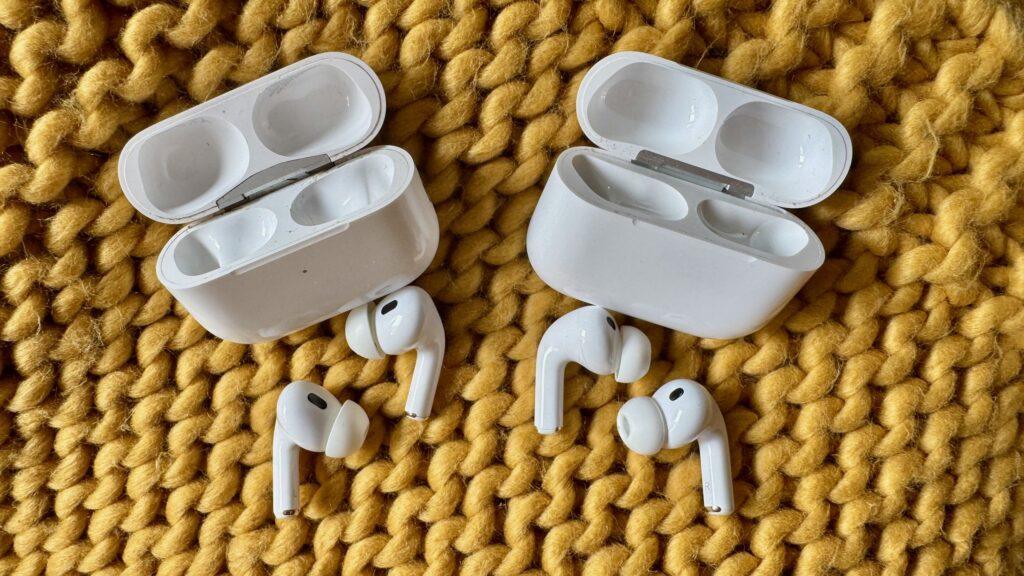
- EQ controls come to AirPods…
- Available right now for those in the iOS 27 developer beta…
- …which may be worth avoiding, for now
One of the biggest news to come out of Apple’s annual WWDC 2026 event is that AirPods will have a custom EQ mode with iOS 27. Better late than never, eh, Apple?
The general release of iOS 27 is expected to occur in September, around the launch of the iPhone 18, and before that we will likely see a public beta in July.
However, the Apple Developer Beta for iOS 27 is now available, allowing early adopters to try out the EQ tools on any of the top AirPods they choose to use.

We’ll explain how to enable this below, but you’re probably curious why you’re not seeing numerous Reddit threads about the tool. Most people haven’t started using it yet, except for one user named NexxFlight. They published a video with system audio capture of what the AirPods EQ can do with the bass at maximum, using #that power by will.i.am with Justin Bieber to illustrate this point. Interesting…
Crazy! from r/airpods
The feature is now only available through Developer Beta, a very early version of Apple’s new software, created so app designers can test how it will look and work. This allows them to make sure their apps are ready to receive updates as soon as iOS 27 comes out, but is generally not recommended for general users.
Developer betas can be buggy and sometimes unsafe – developers usually download them to work phones, not their main controller, and if you download them you run the risk of making your phone quite difficult to use. One Reddit comment I read about the developer beta put it bluntly: “it’s not for the faint of heart.”
I would recommend that you wait until the public beta comes out before trying out the EQ or, if you can, just twiddle your thumbs until the full release in September, so you know you’re getting a relatively bug-free experience.
More power than we should be allowed? How to get that equalizer, but be careful
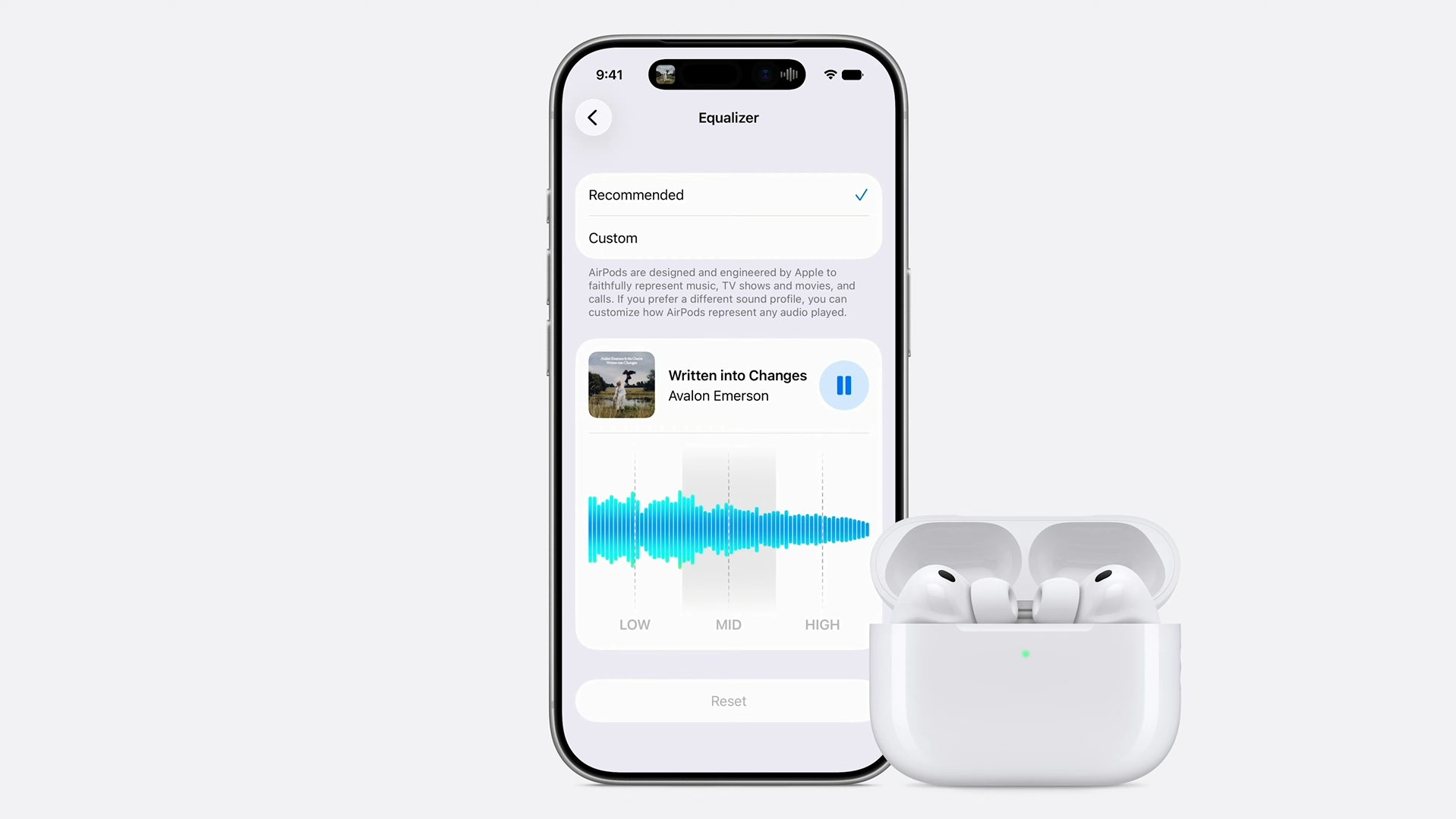
Okay, sure, do you want to try the equalizer that much? Well, luckily we’ve already written a guide on how to download the iOS 27 developer beta, which lays it out in nice, simple language.
However, this is not enough. Your AirPods will also need to receive the developer beta, and as of this writing, it’s only available for AirPods Pro 2 and Pro 3, as well as AirPods 4. Sorry, AirPods Max 2 early adopters: you’re out.
You can do this by heading to the AirPods settings in your iPhone’s Settings app and using the beta update menu there to opt into this trial program as well. Once again, I can’t help but think that’s more power than we should be allowed at this point.
In addition to introducing a custom equalizer, the developer beta also reorganizes the AirPods settings menu, which some testers say makes things simpler. However, having seen Apple’s idea of ”simplifying” things, don’t get your hopes up (yes, Liquid Glass’s millionth dig, did I win a prize?).
The EQ-hungry AirPods masses are eagerly awaiting the update (and it didn’t arrive early), but again, there’s a batch of obstacles to overcome right now. That said, if you’re a true bassist, it’s now possible to crank your AirPods all the way up. I’m not sure I would (does anyone turn up the bass that much and expect anything more than a bloated performance?) But there we are.

The best wireless headphones for every budget

Follow TechRadar on Google News and add us as a preferred source to receive news, reviews and opinions from our experts in your feeds.


